Go to secure.zolasuite.com
1. Introduction
We're excited to show you how to easily access and download the CARET Legal plugins and mobile app. From various app stores. You'll love how simple it is.
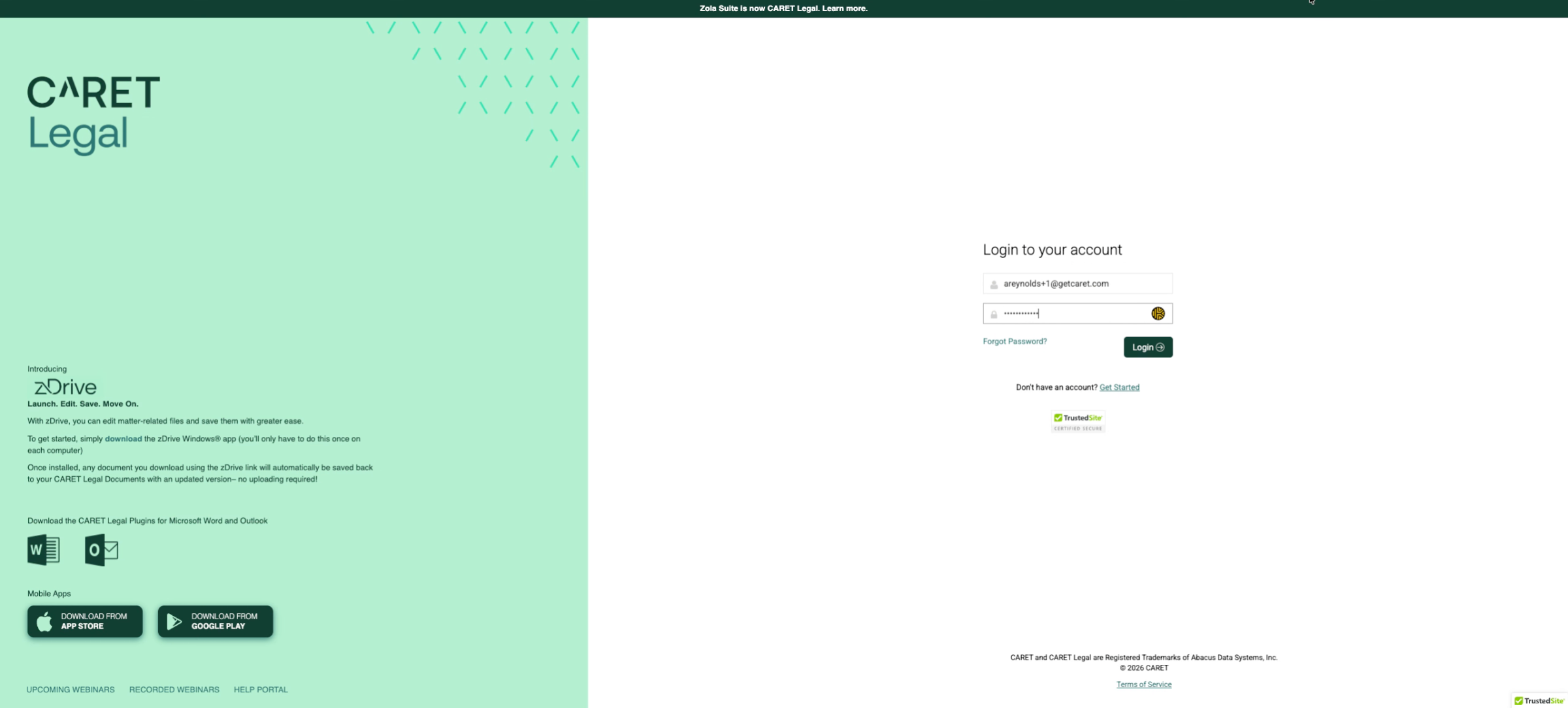
2. Click zDrive Icon
Let's get started. Simply click on the Z. Drive logo to download the plugin install file. We recommend saving it directly to your device rather than a cloud storage location. This tool enables you to open matter related files in their native applications. Such as Microsoft Word or Adobe Acrobat. You'll be ready in no time. Learn more
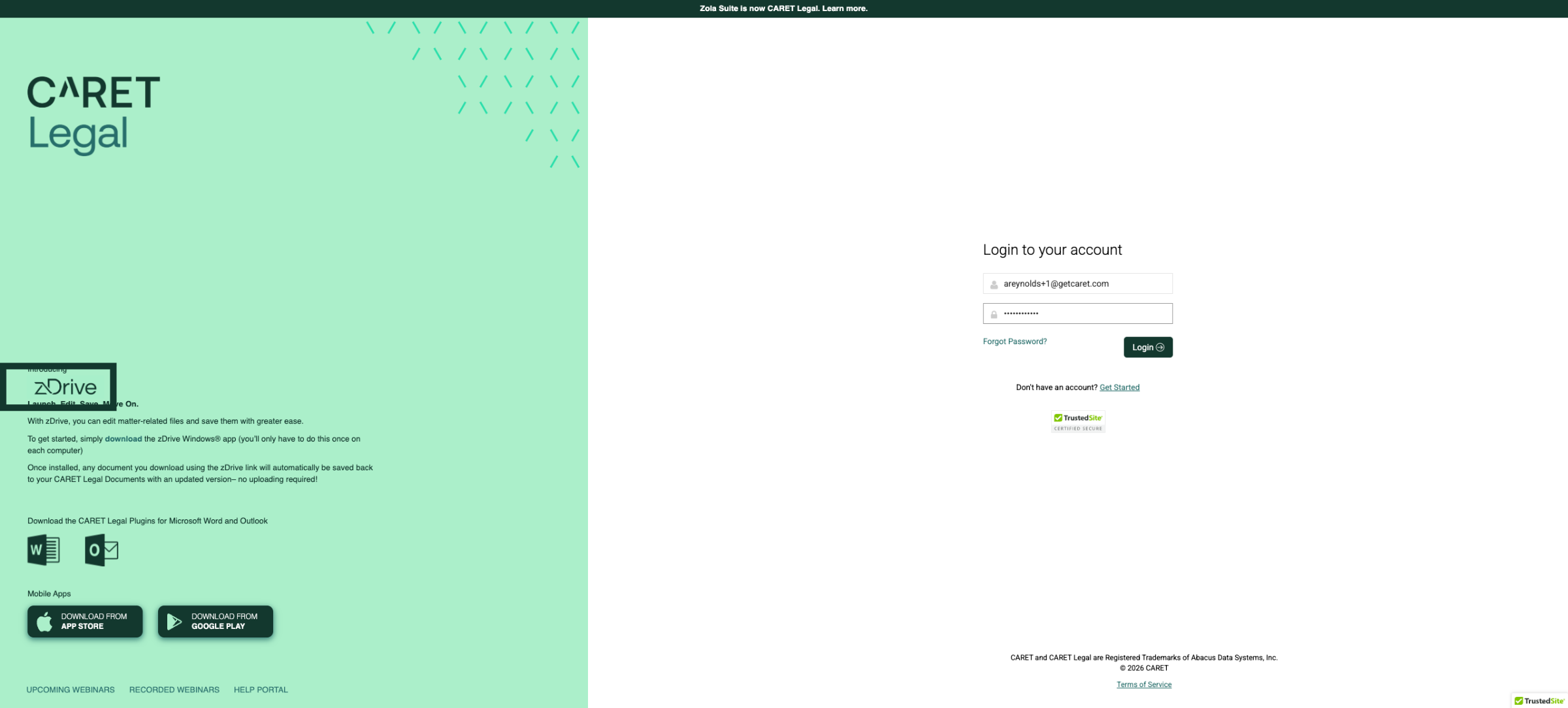
3. Download the Microsoft Word Plugin
Up, click the Microsoft Word icon to download the plugin installation file. We recommend saving it directly on your device, rather than in a cloud storage location. The carrot legal word, ribbon is compatible, only with Windows, desktop versions, 2013, and 2016. Learn more
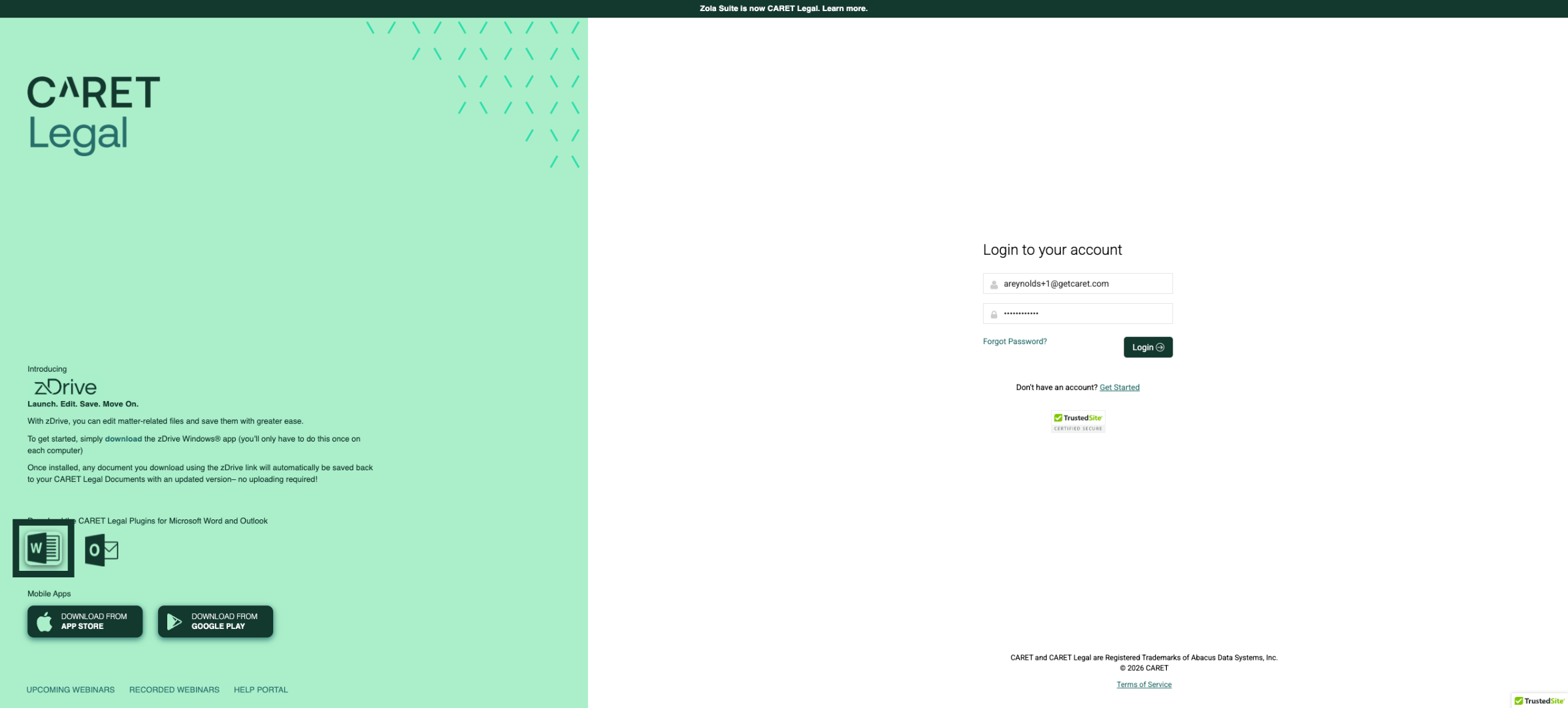
4. Download the Microsoft Outlook Plugin
Click the Microsoft Outlook icon to download the plugin installation file. We recommend, saving it directly to your device instead of a cloud storage location. The carrot legal Outlook, ribbon is compatible exclusively with the Windows desktop version of Office 365. As well as with 2016 and 2013. Learn more
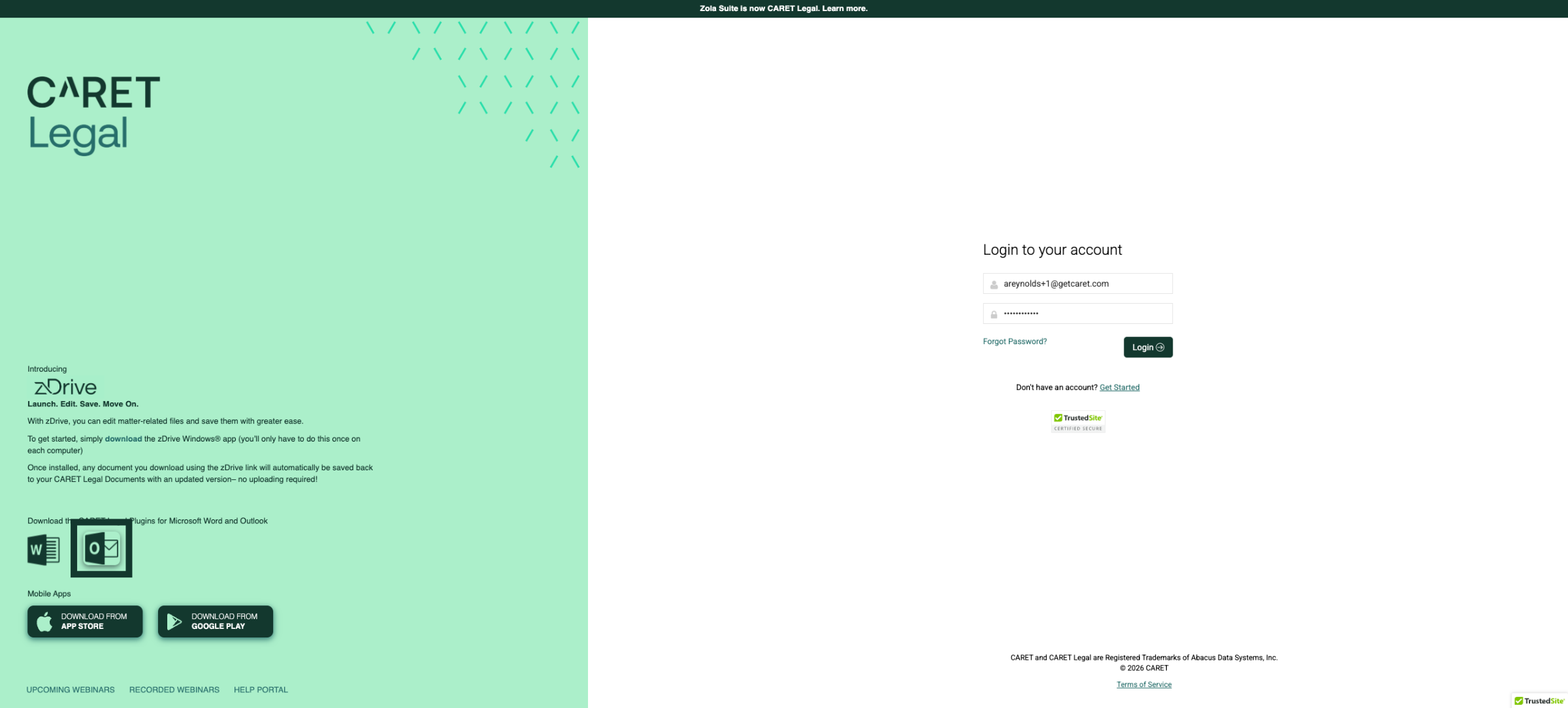
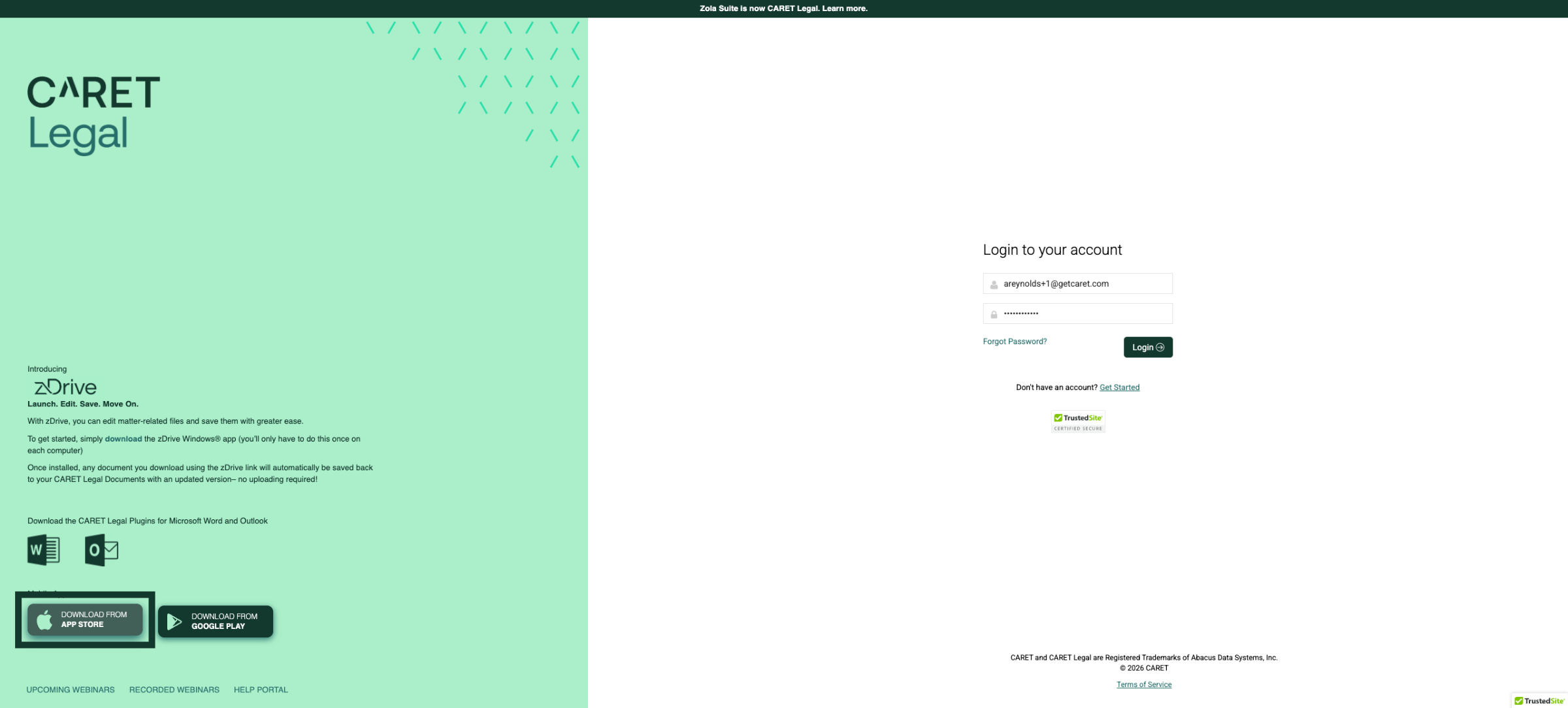
5. Select Apple App Store Download
Next, let's take care of those mobile apps. To begin. Click the button. Labeled download from App Store to initiate. Your download from the Apple App Store for iOS devices.
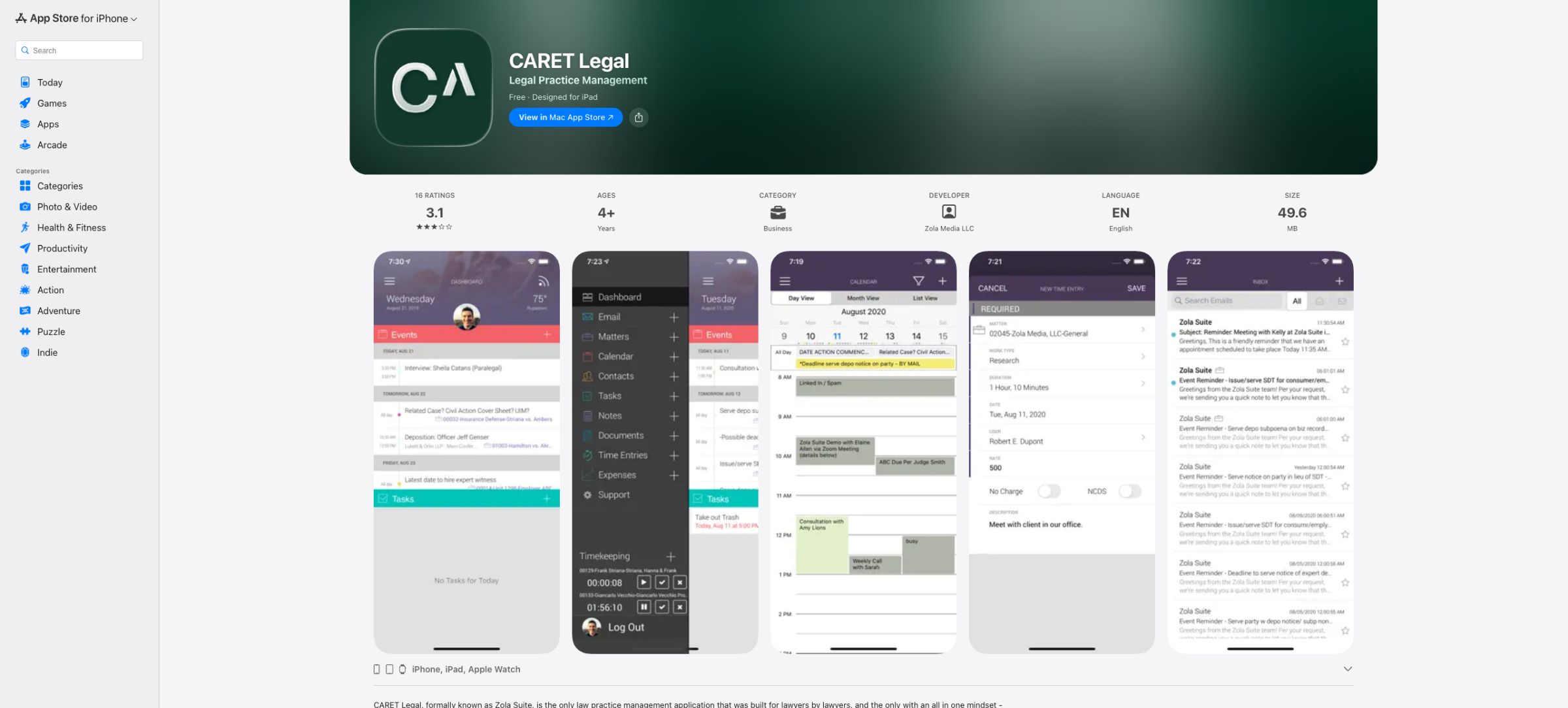
6. Mobile App for iOS Devices
Visit the CARET Legal app page on the Apple App Store to review details and start the download.
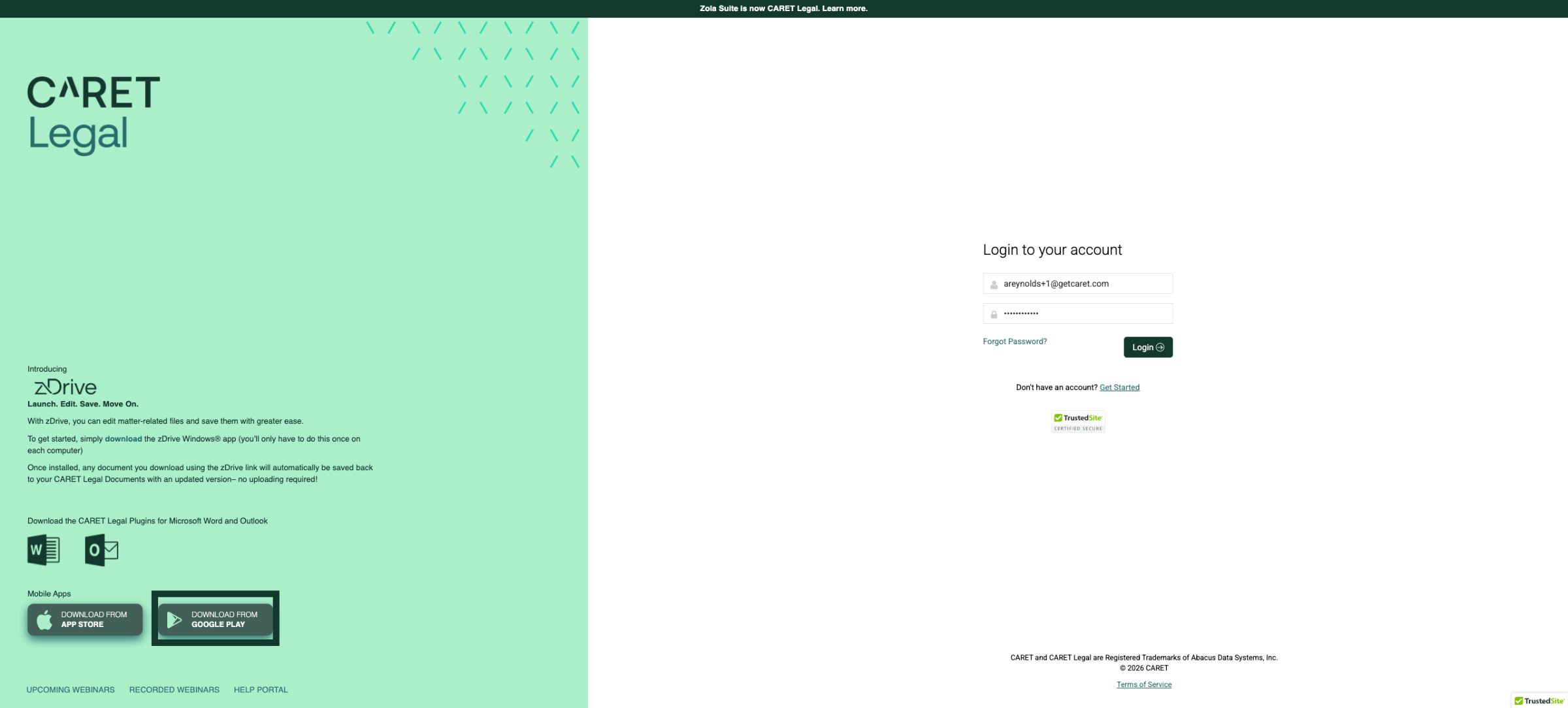
7. Choose Google Play Store
Or you can click the Google Play option to access the Google Play Store for Android devices.
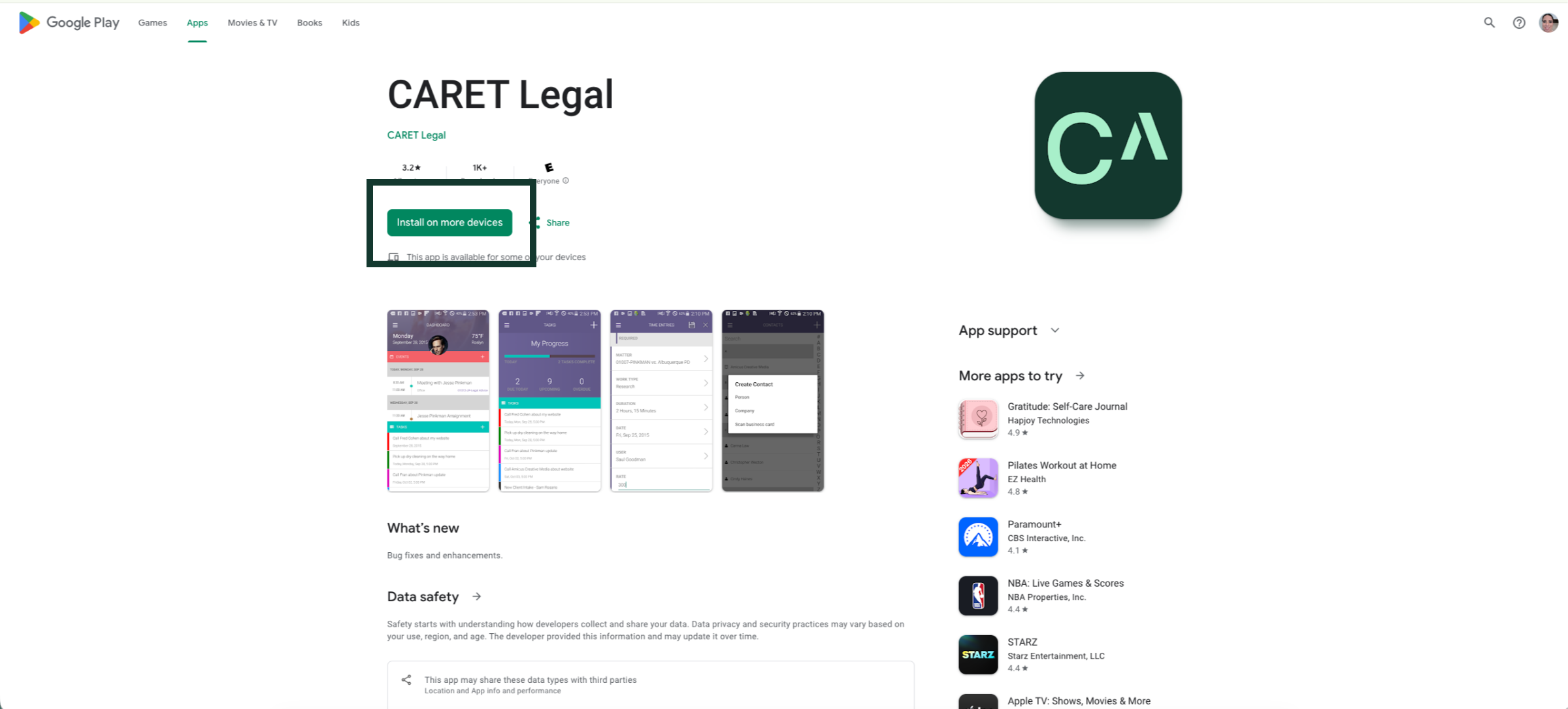
8. Mobile App for Android Devices
Visit the CARET Legal app page on the Google Play Store to review the details and initiate the download to an Android device.
Great job. You've done an amazing job learning how to download plugins and mobile apps for CARET Legal. You can easily access the Caret Legal app from both the Apple Store and Google Play Store. Now, let's dive into the fun part, exploring how to install and configure these apps on your devices for even better functionality. You're going to love it.