In this video, you'll see new CARET Pay features that improve payout visibility and simplify reconciliation in CARET Legal. Learn how to track payment statuses and streamline back-office tasks without switching between multiple systems.
1. Welcome
Welcome! In this video, we'll walk through new payout visibility and reconciliation features for CARET Pay in CARET Legal.
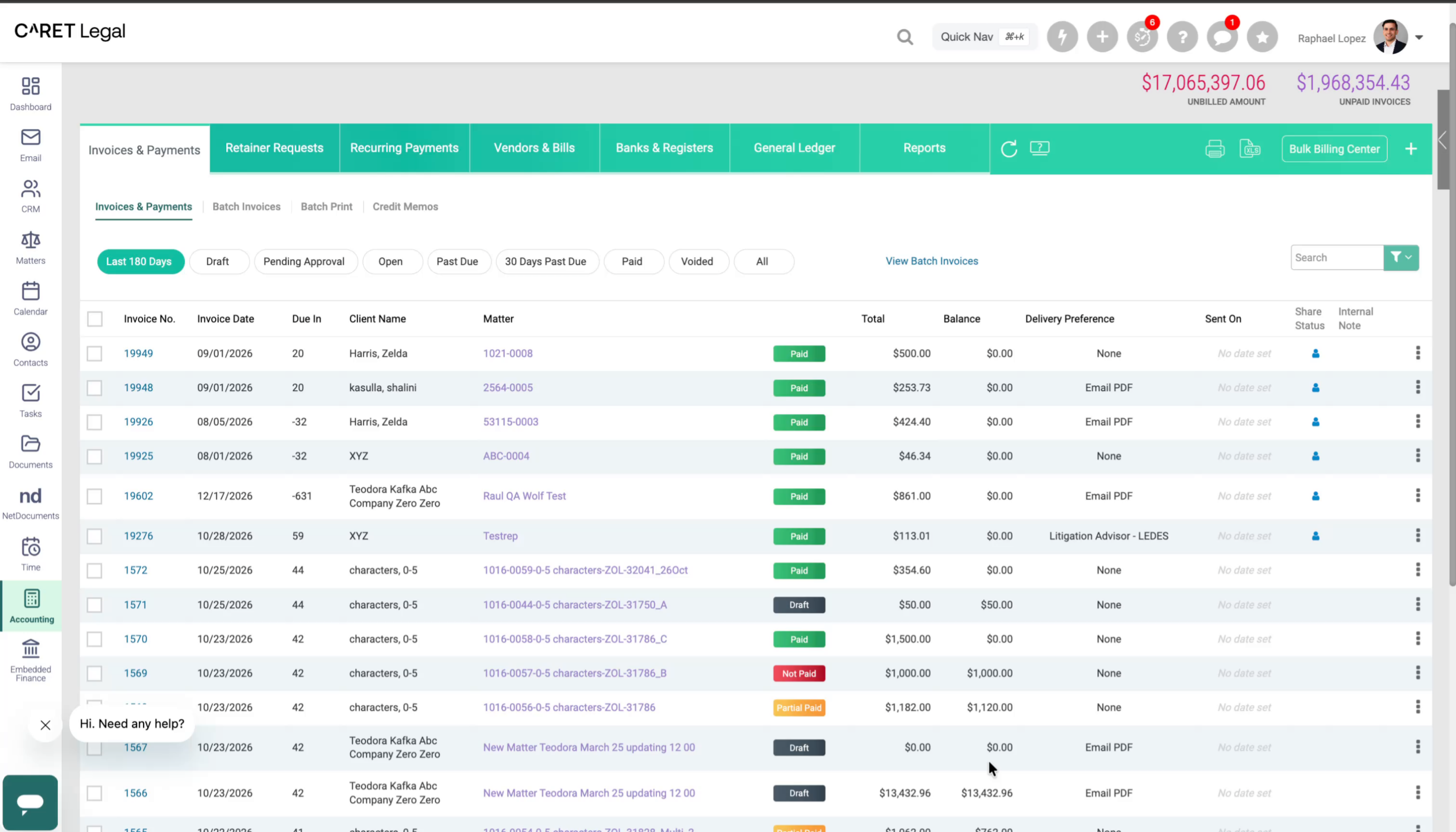
2. Improved Payout Visibility
These updates give you clear visibility into where your funds are, right inside CARET Legal, so you can see the status of every CARET Pay transaction.
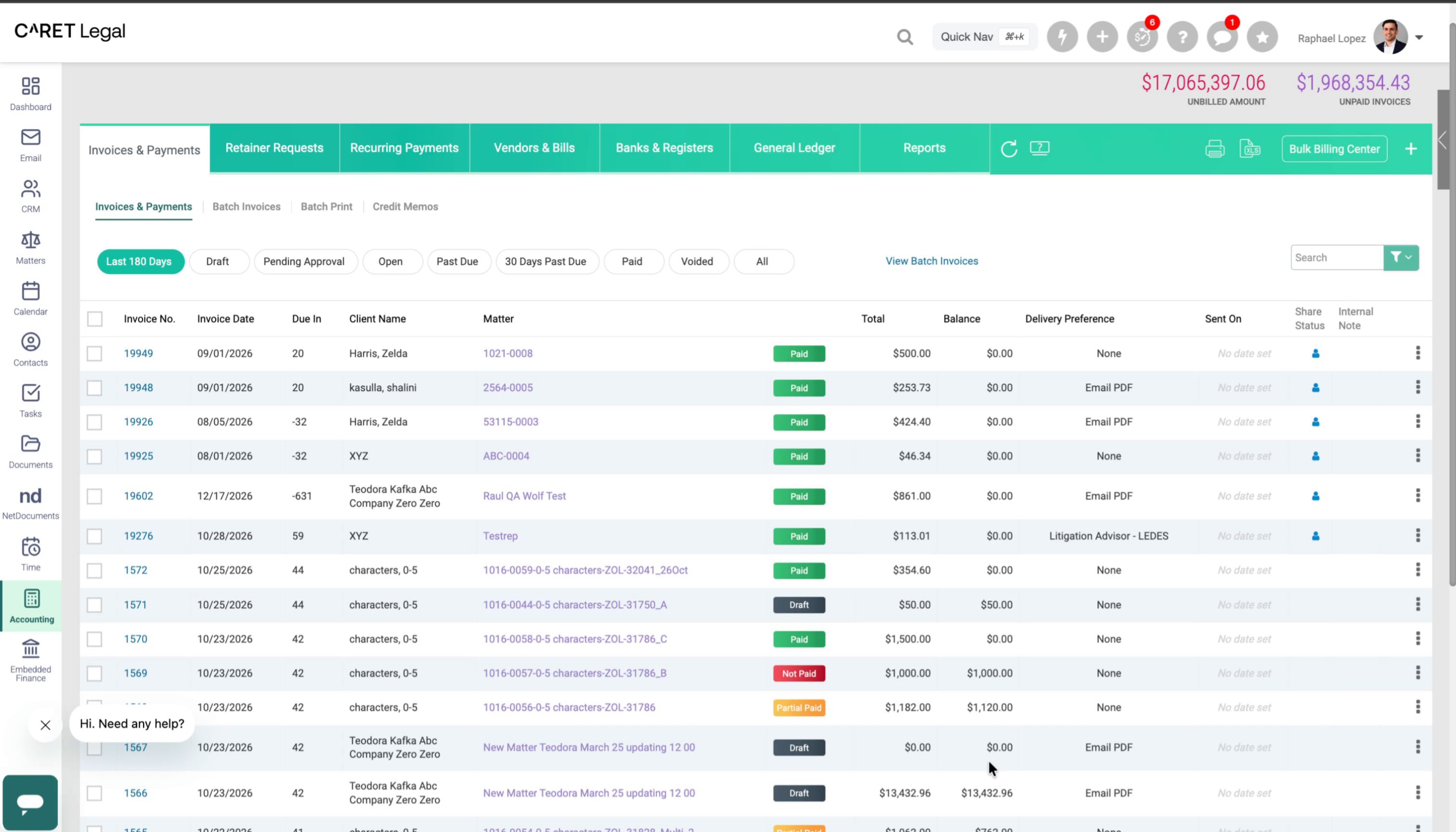
3. What We Heard From You
We've been listening to your feedback, and one request rose to the top.
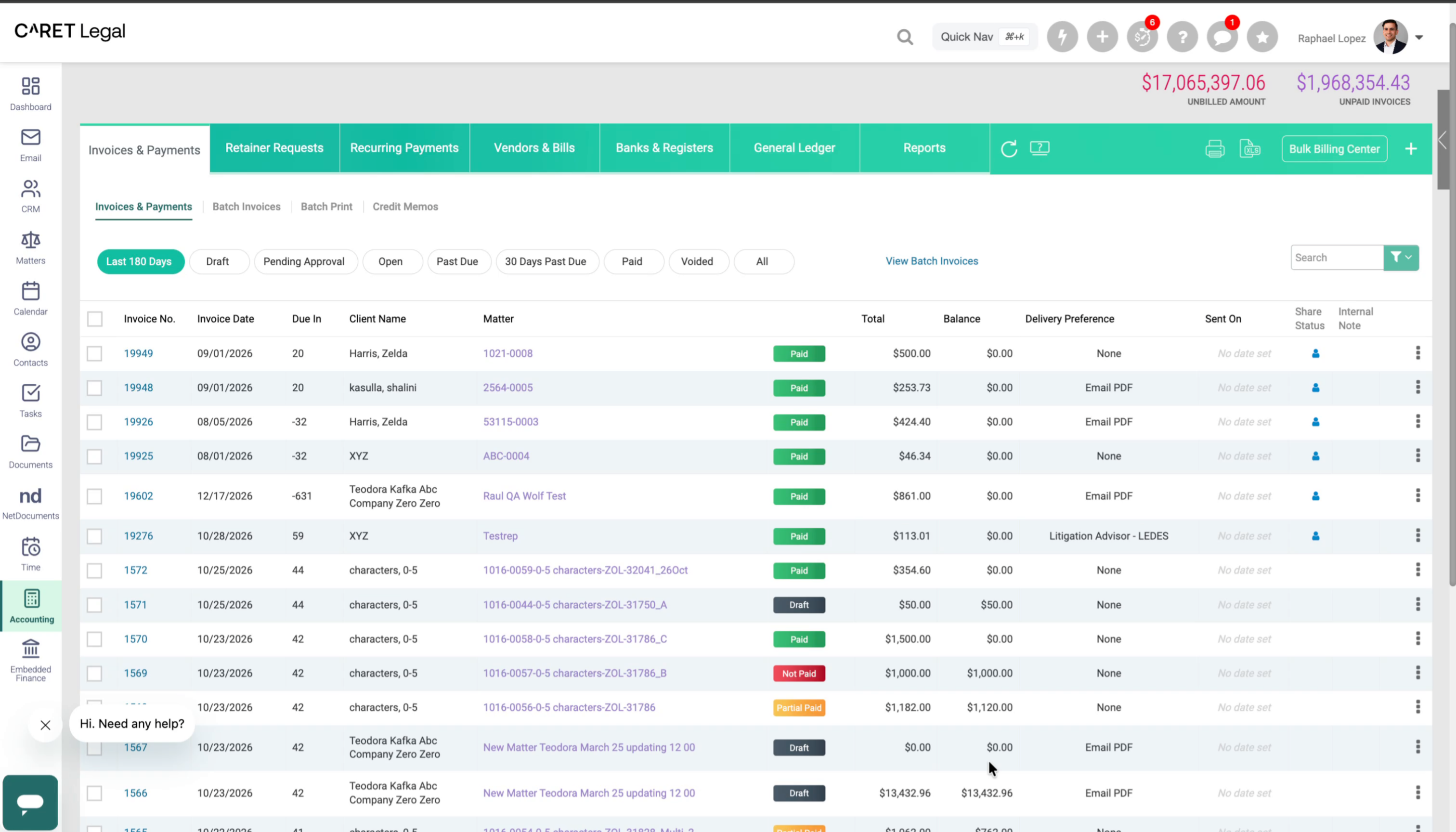
4. Before: Switching Between Systems
Understanding where your funds are has often meant jumping between CARET Legal, the CARET Pay portal, and the disbursement report.
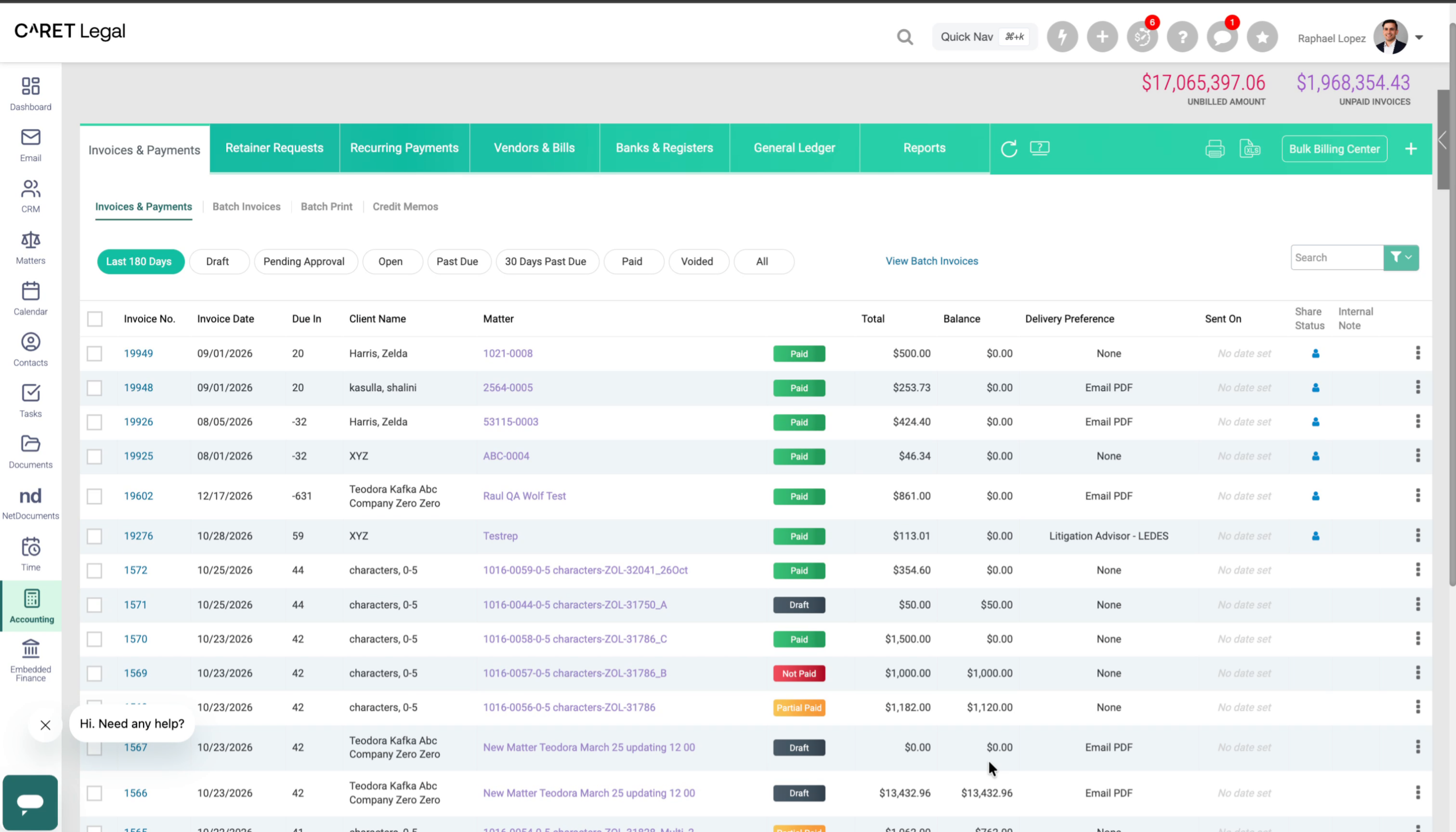
5. The Life Cycle of a Payment
Let's look at the life cycle of a credit card payment. A payment may be authorized on Monday, but it can take a few days before the funds are disbursed to your bank account. That's the typical path. But sometimes, there can be delays or issues while funds are in transit.
6. When Funds Don't Arrive as Expected
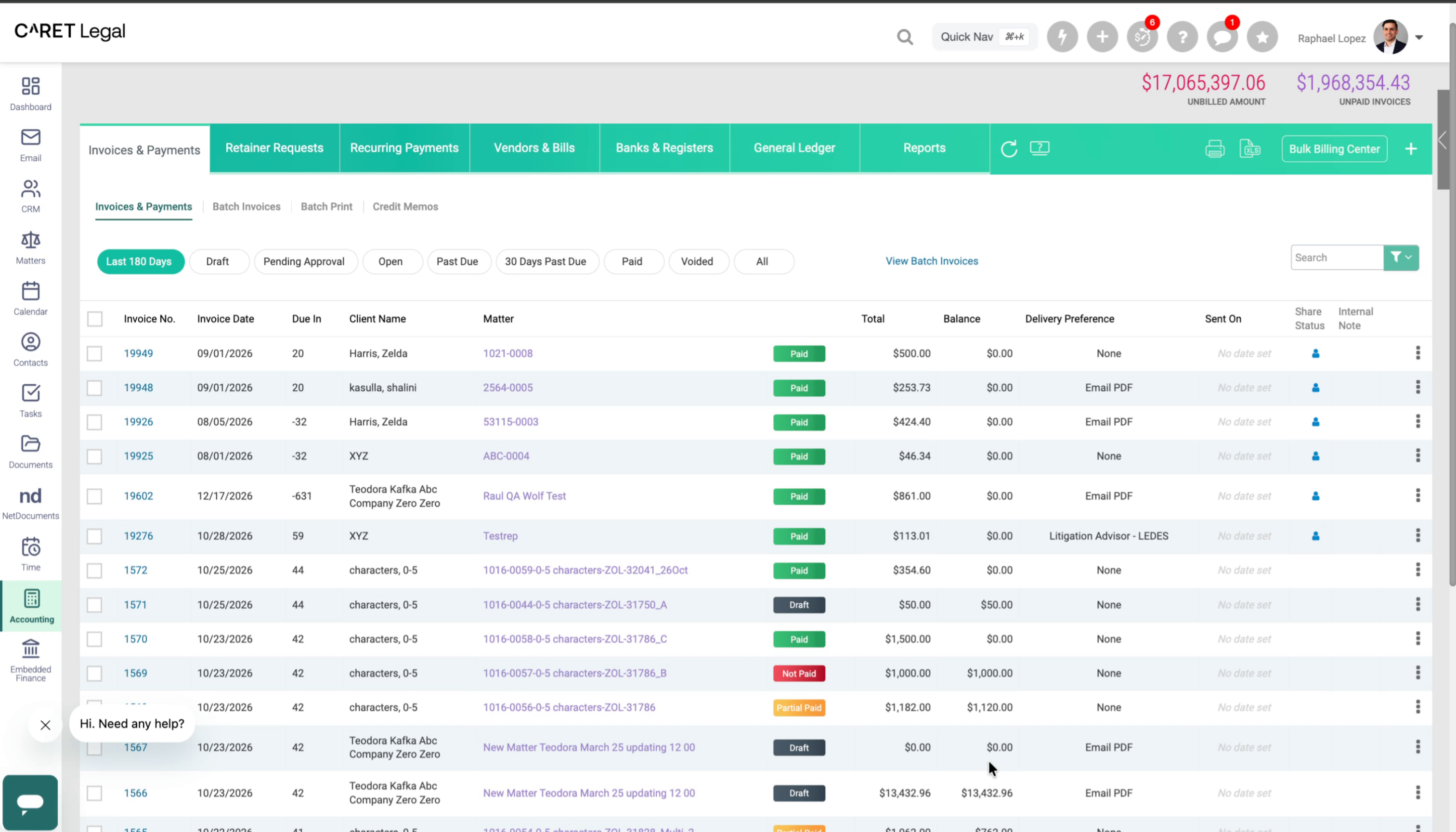
A payment may also have been refunded. Until now, CARET Legal showed only a single transaction on Monday, unless you dug into the register to find out more.
7. Seeing Payment Status Behind the Scenes
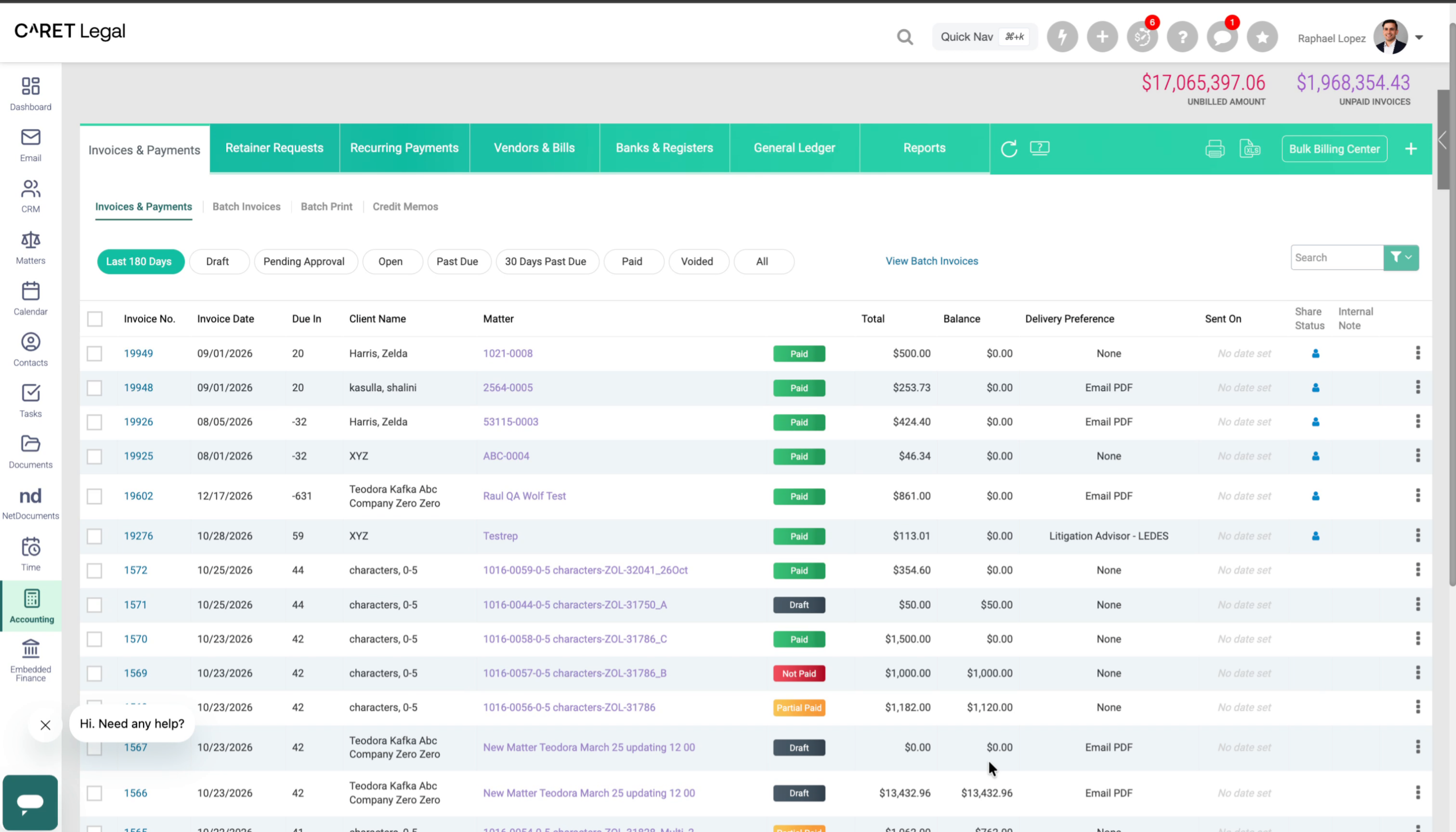
Behind the scenes, a payment can move through several statuses, which explain why funds haven't arrived, or confirm that they have. That was hard to see. So we've added payout status to a few key pages.
8. New CARET Pay Status Column
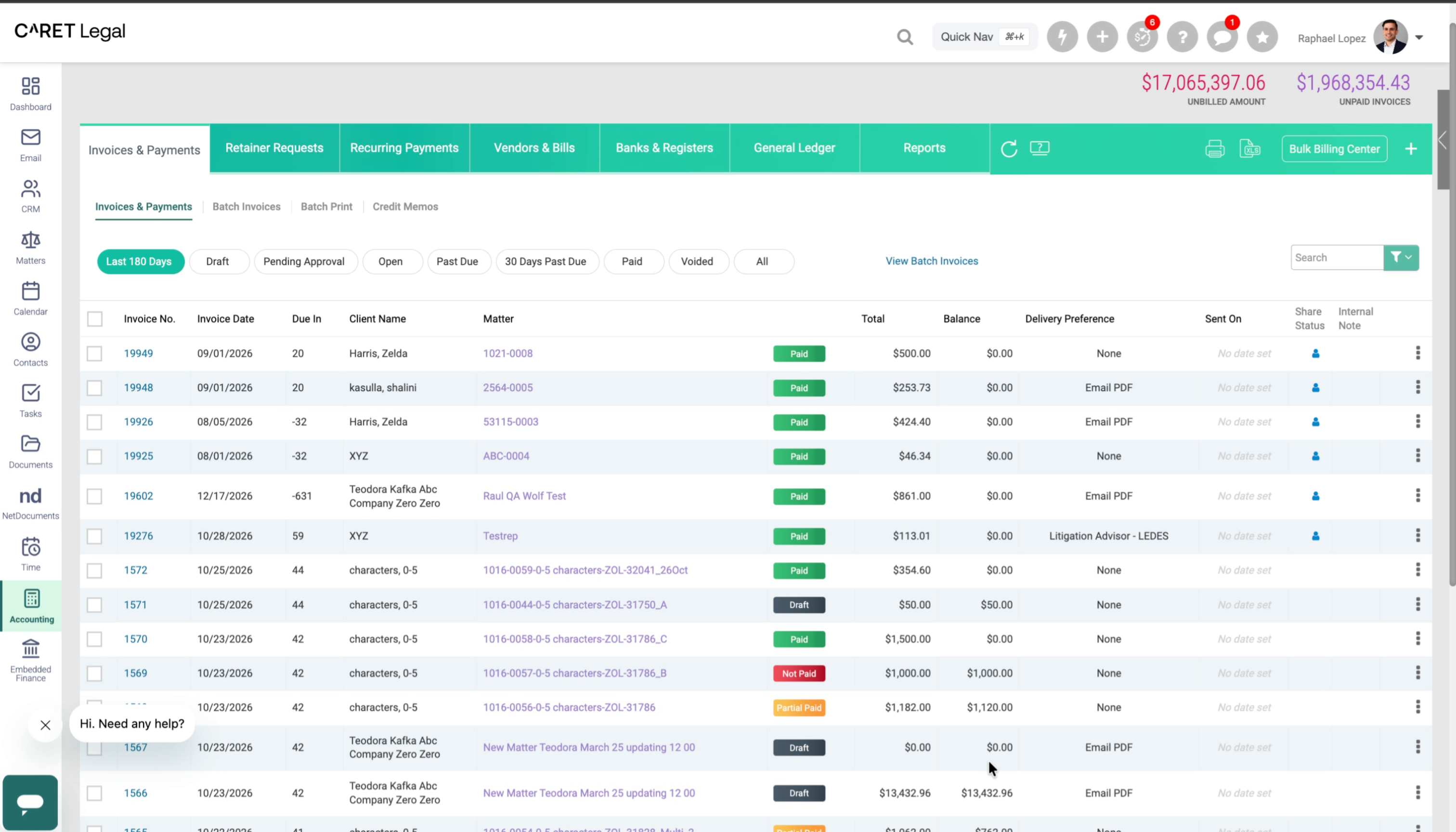
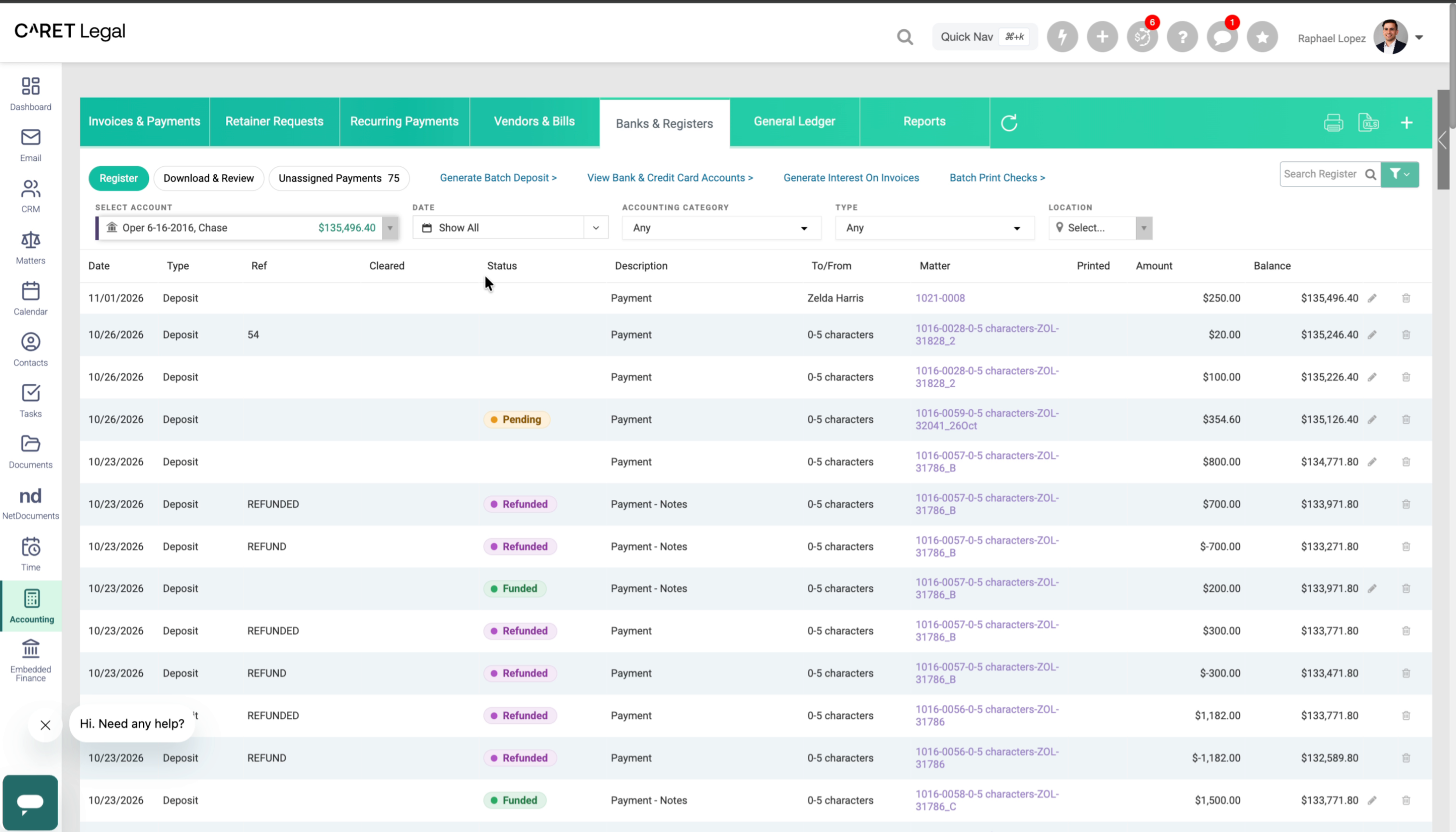
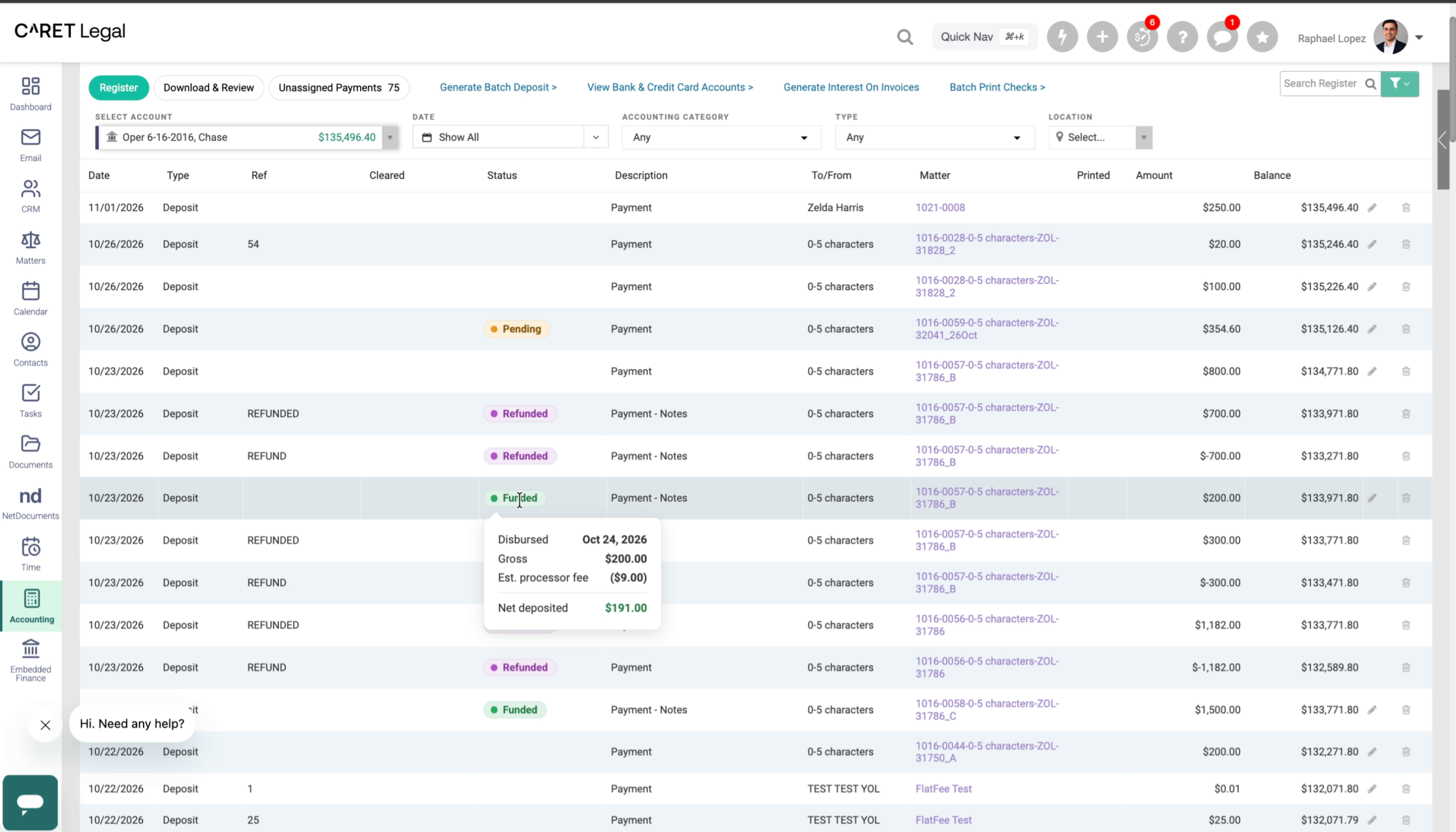
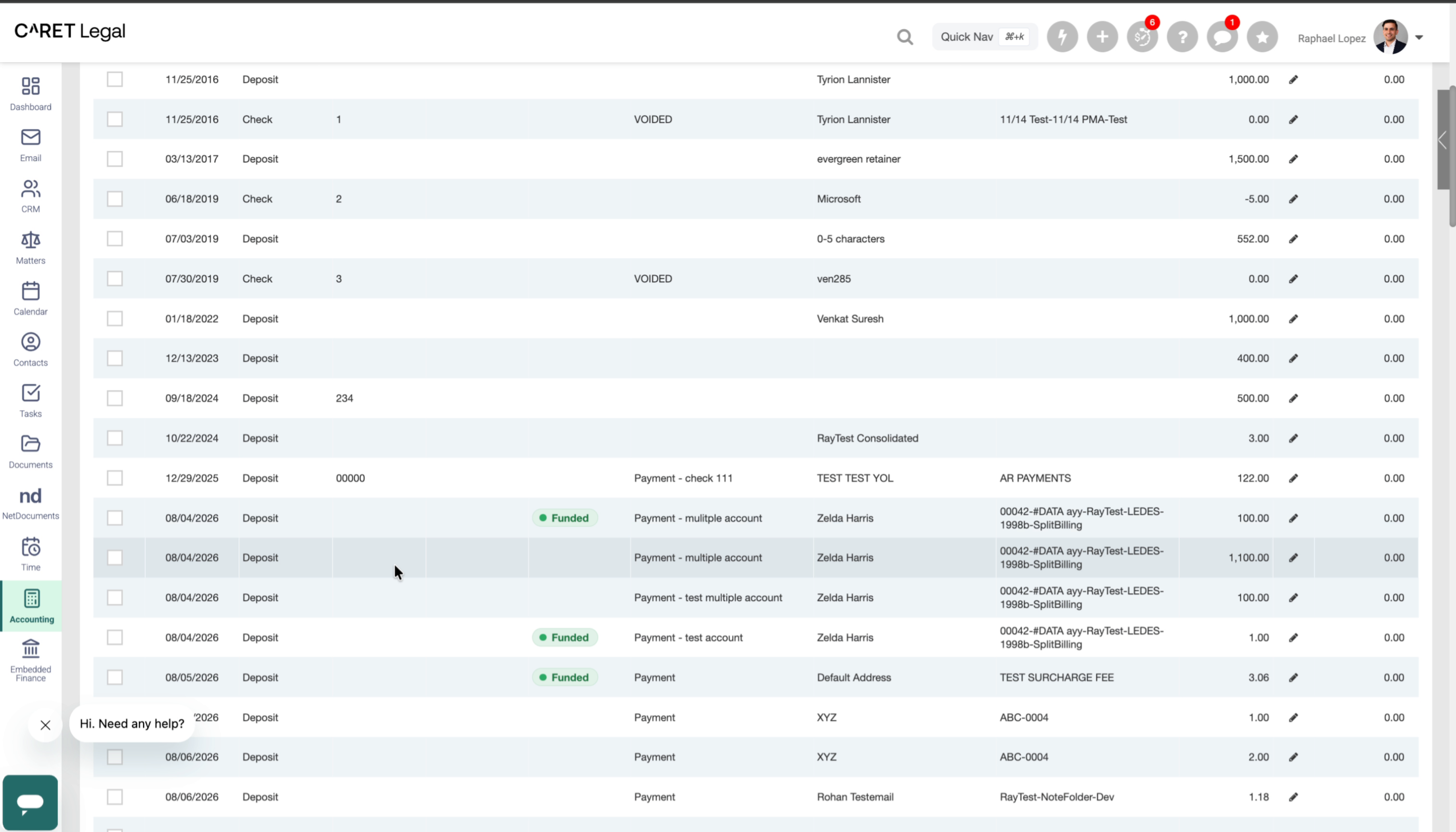
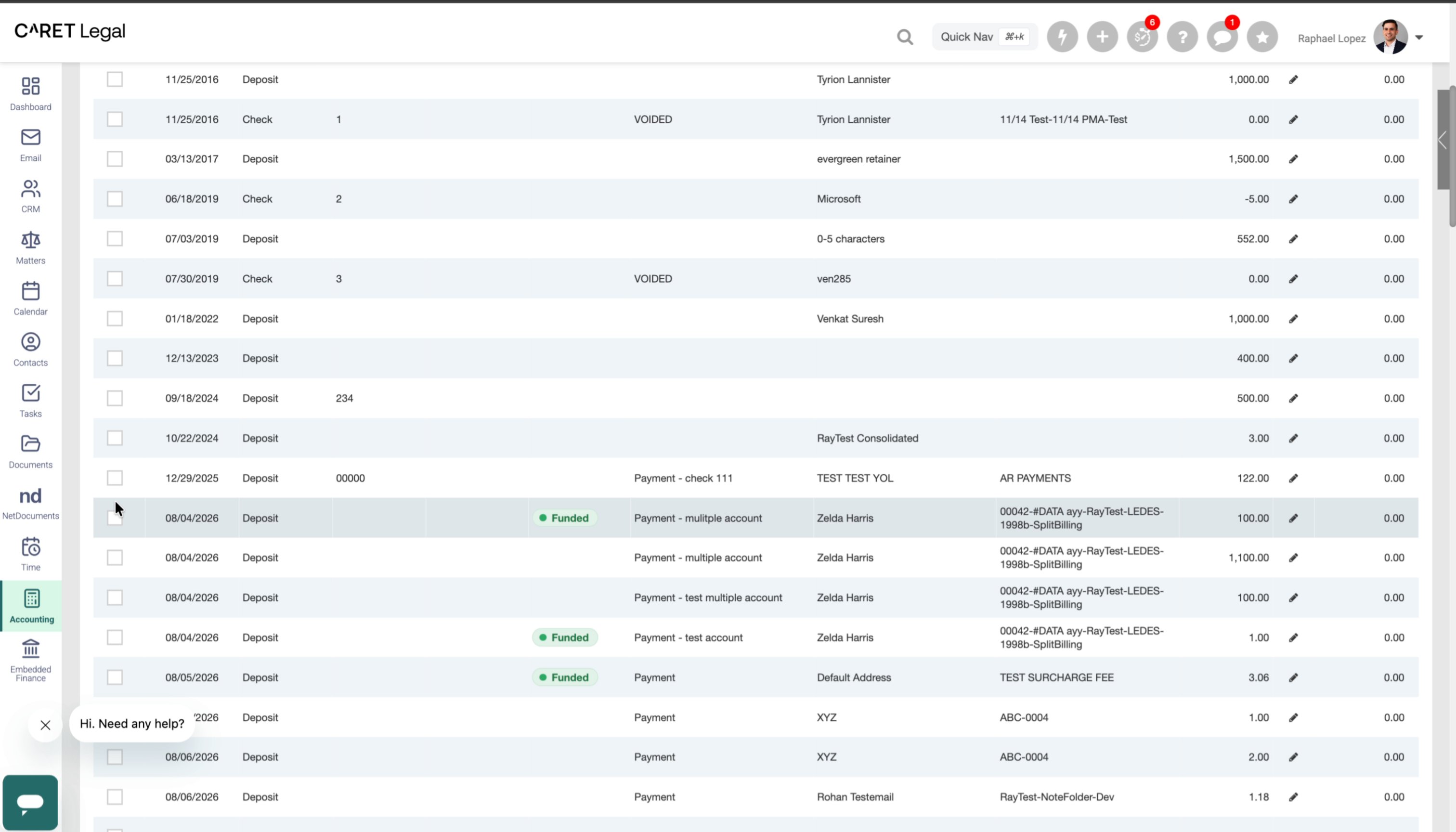
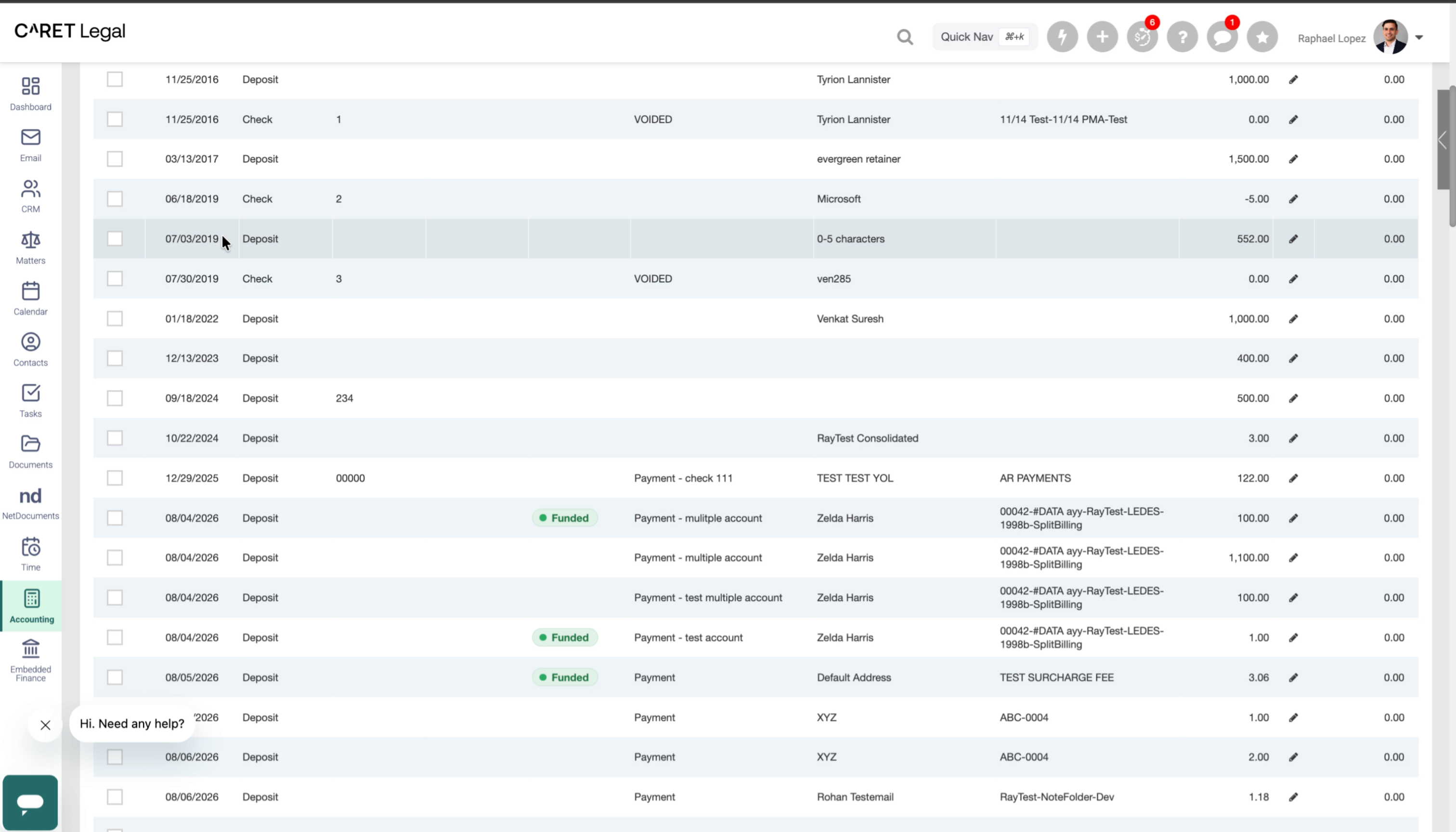
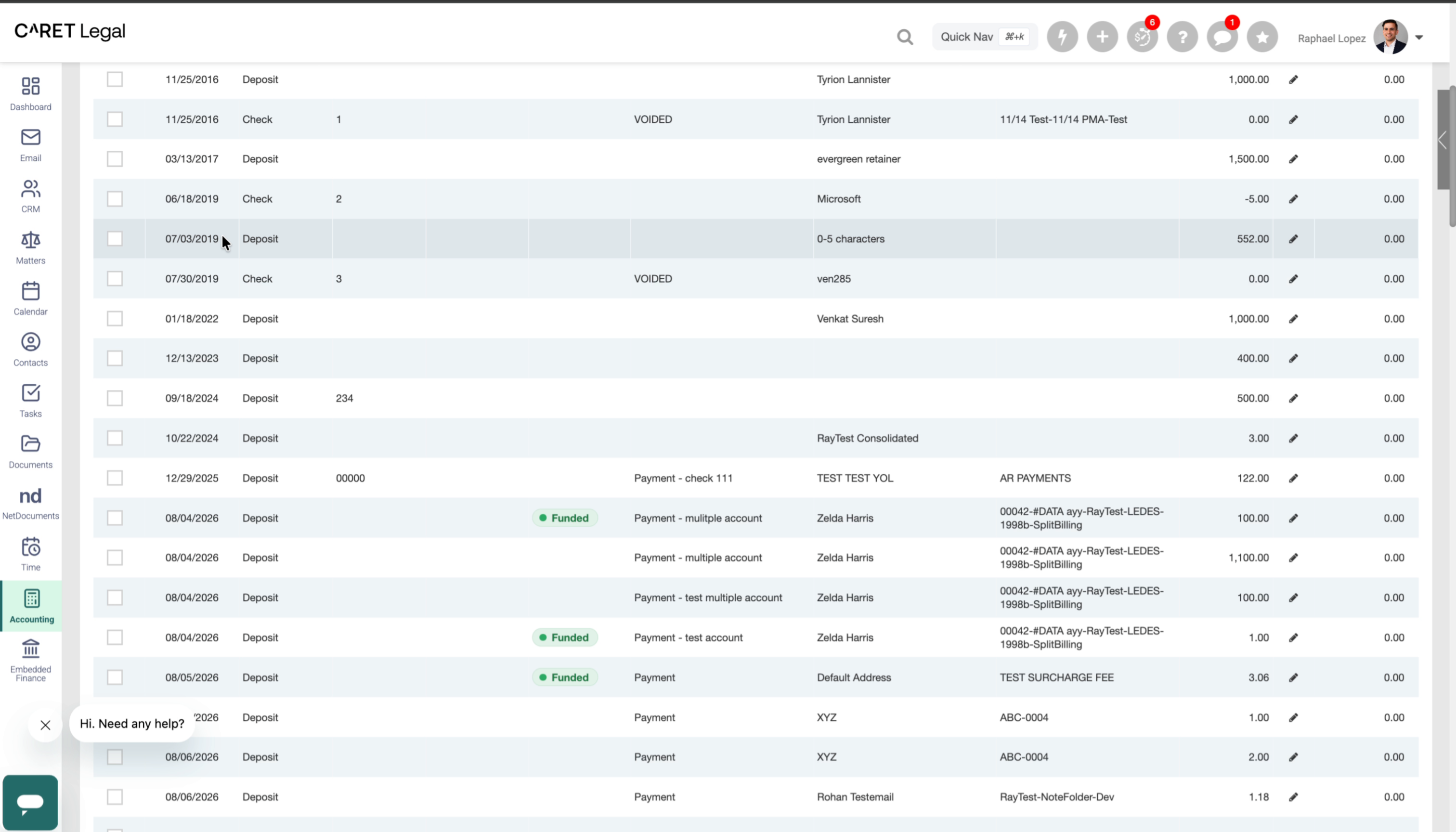
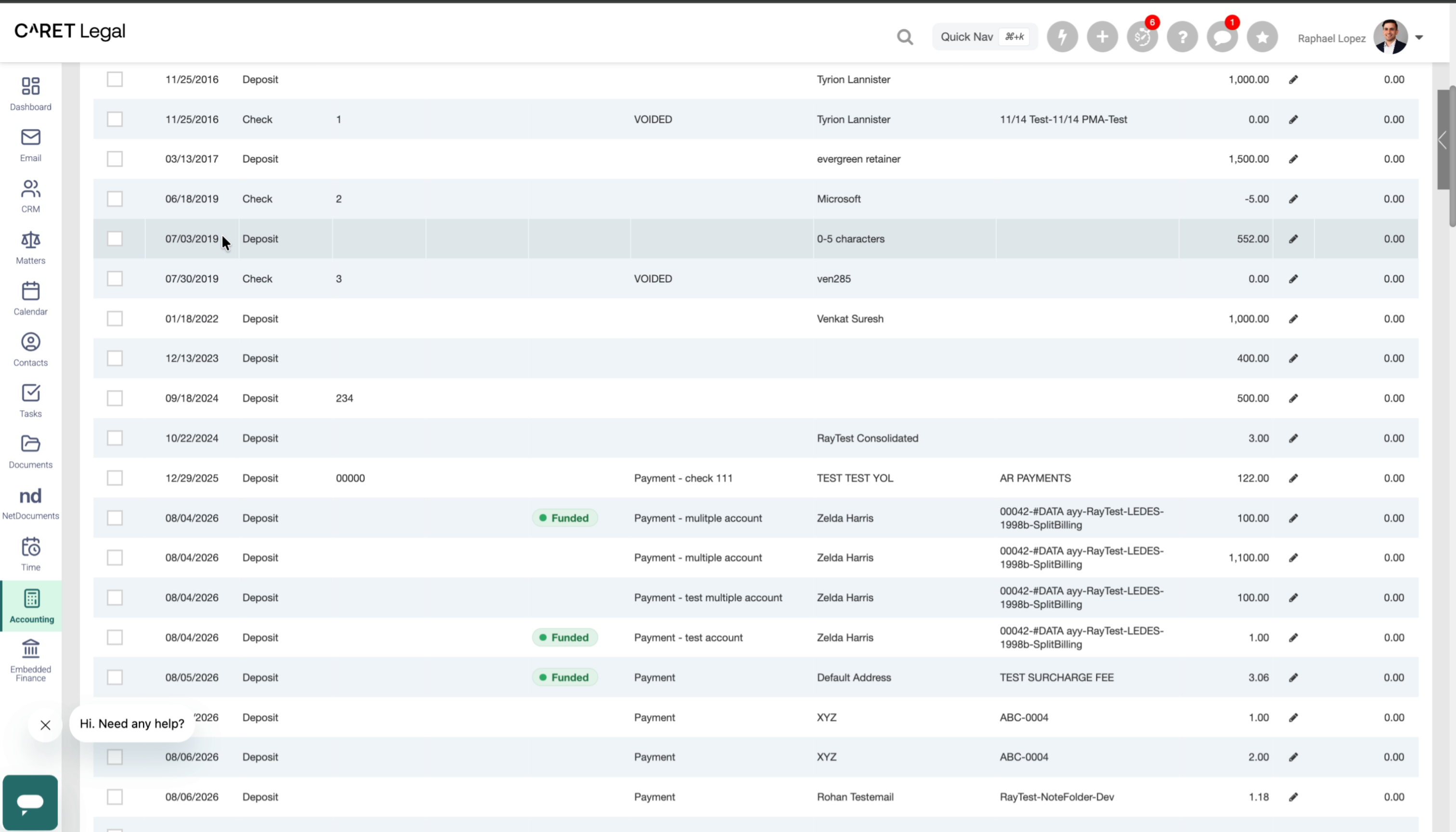
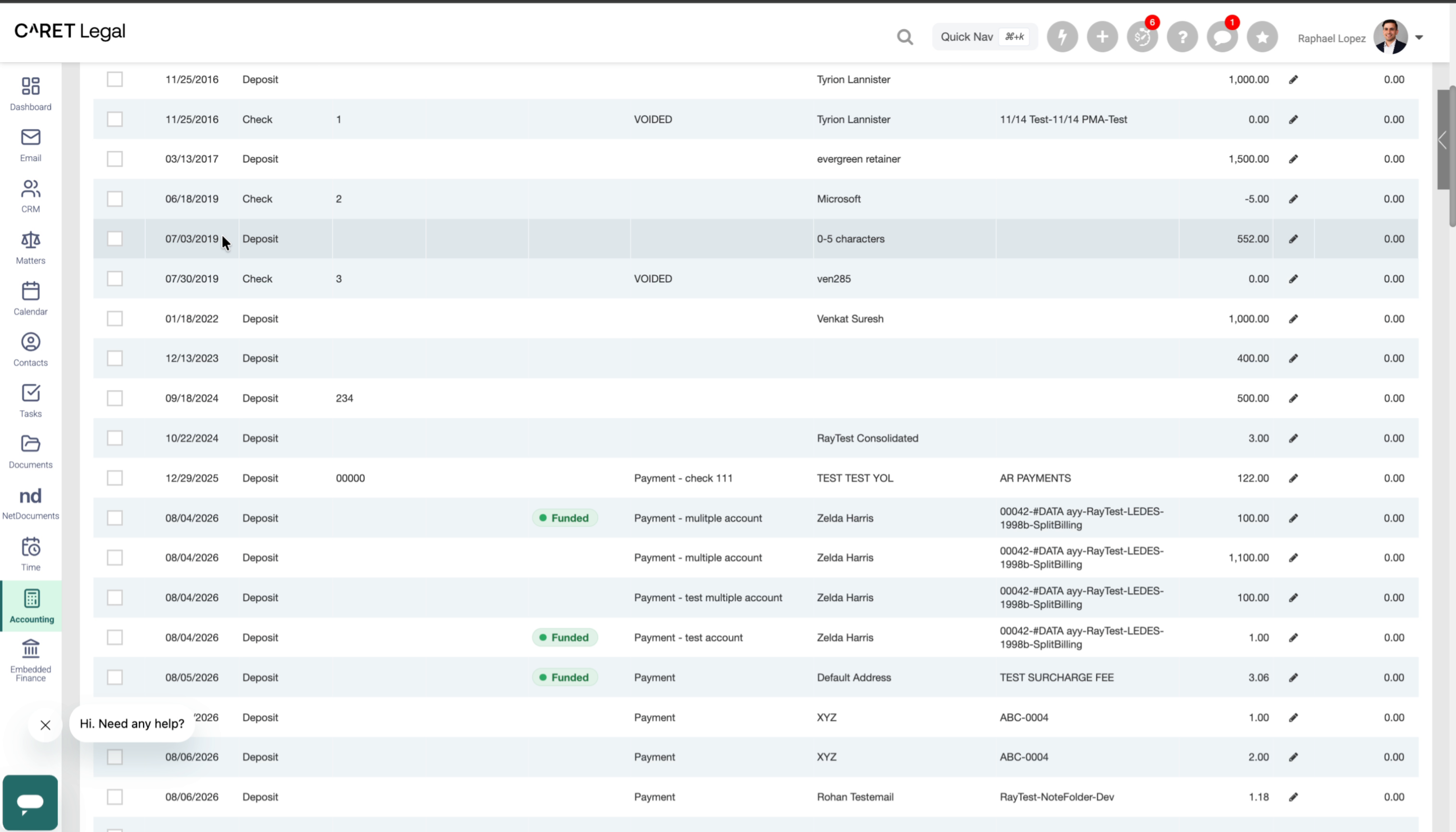
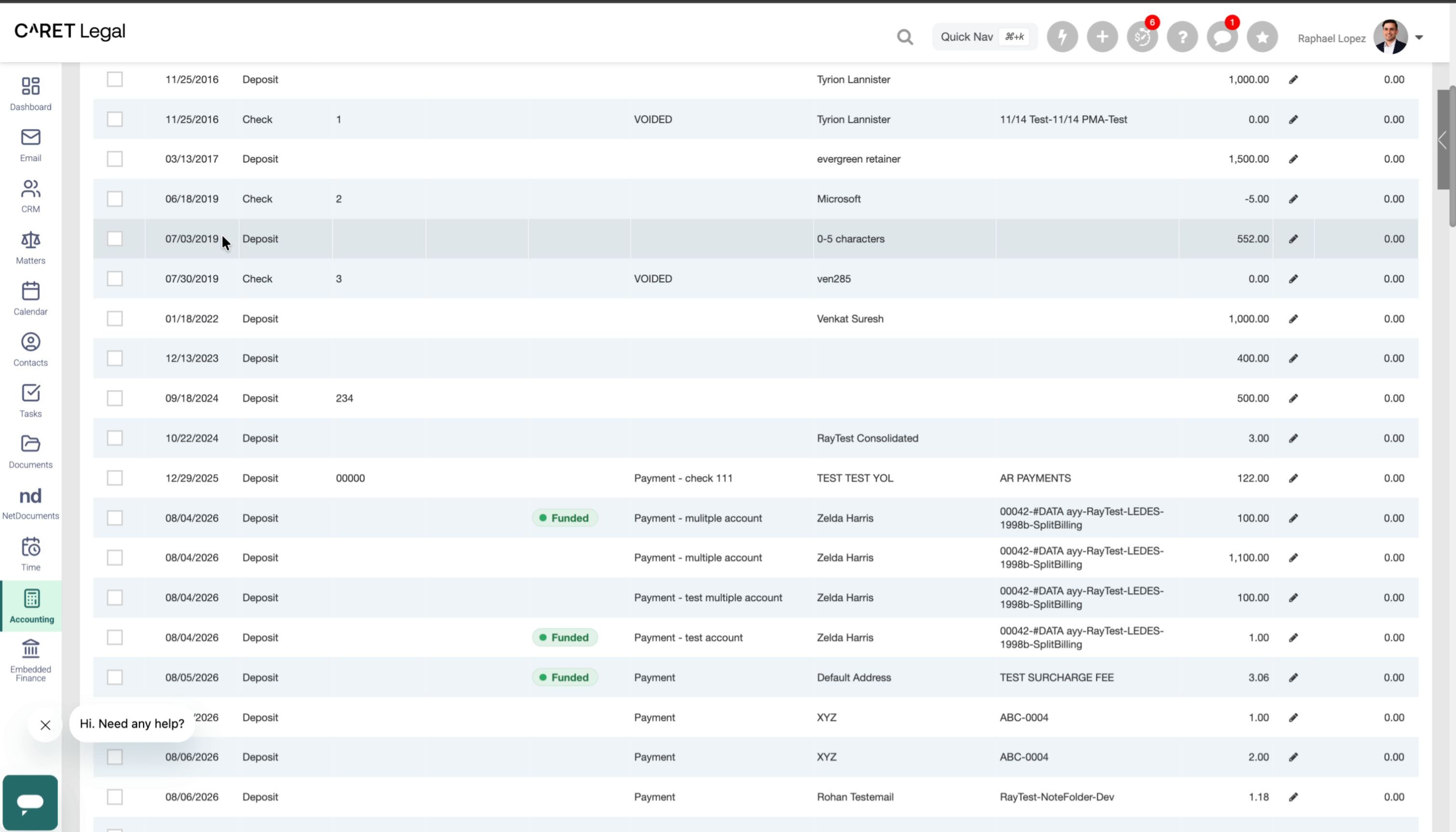
This added detail makes a big difference for anyone working in the back office. Let's start in Banks and Register. If your firm uses CARET Pay, you'll now see a new CARET Pay Status column.
9. Status Column in Banks and Register
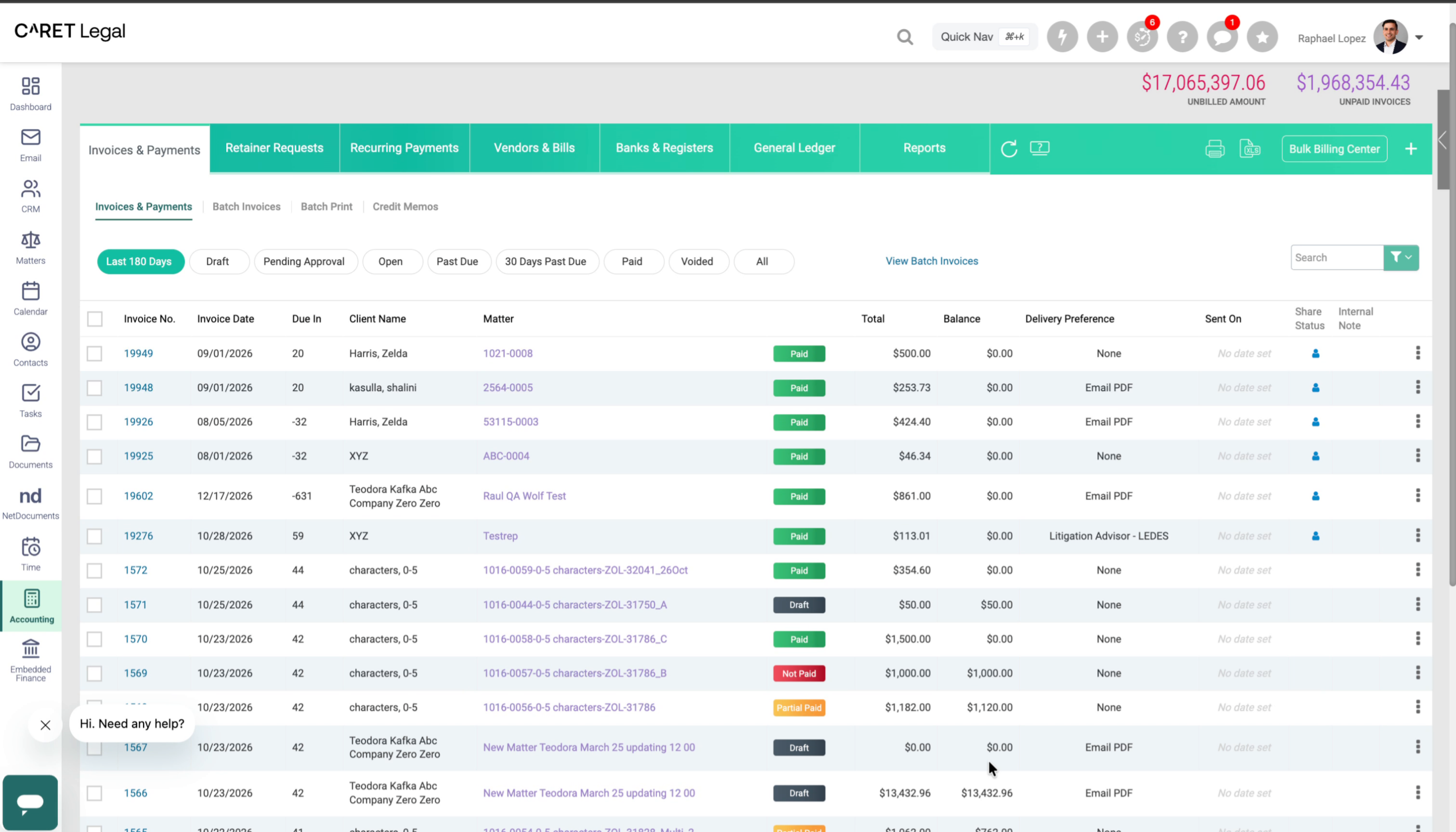
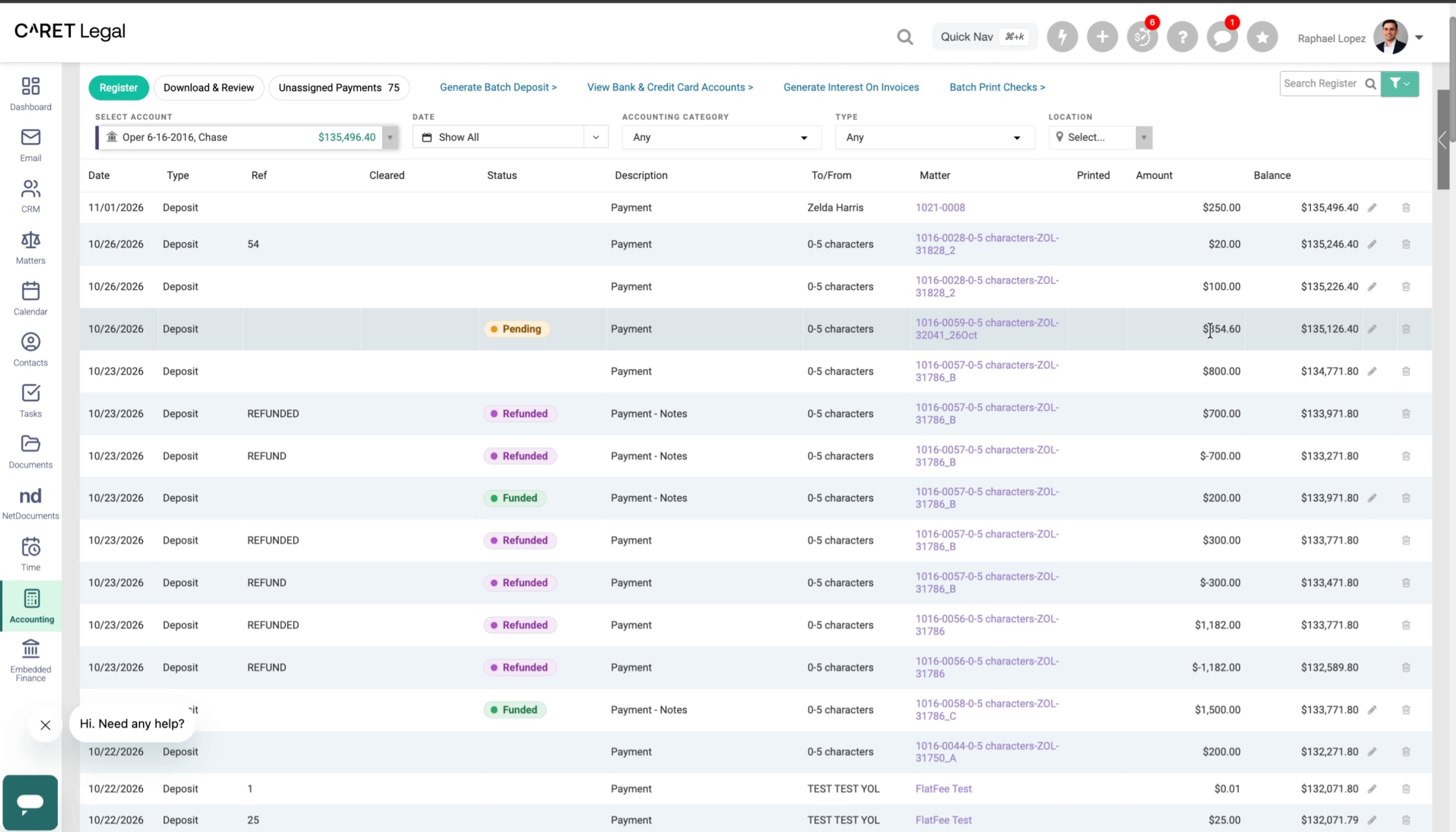
Here you can see deposits with different statuses. This deposit on the 26th is Pending. The payment has been authorized, but the funds haven't been received yet. Looking at the register or your bank statement, you might expect to see $354.60.
10. Pending Status
But that deposit won't be there yet, and the Pending status tells you why. Instead of checking your bank statement, sifting through the disbursement report, or logging in to the CARET Pay portal to track down your funds, you can now see the status immediately.
11. Refunded Status
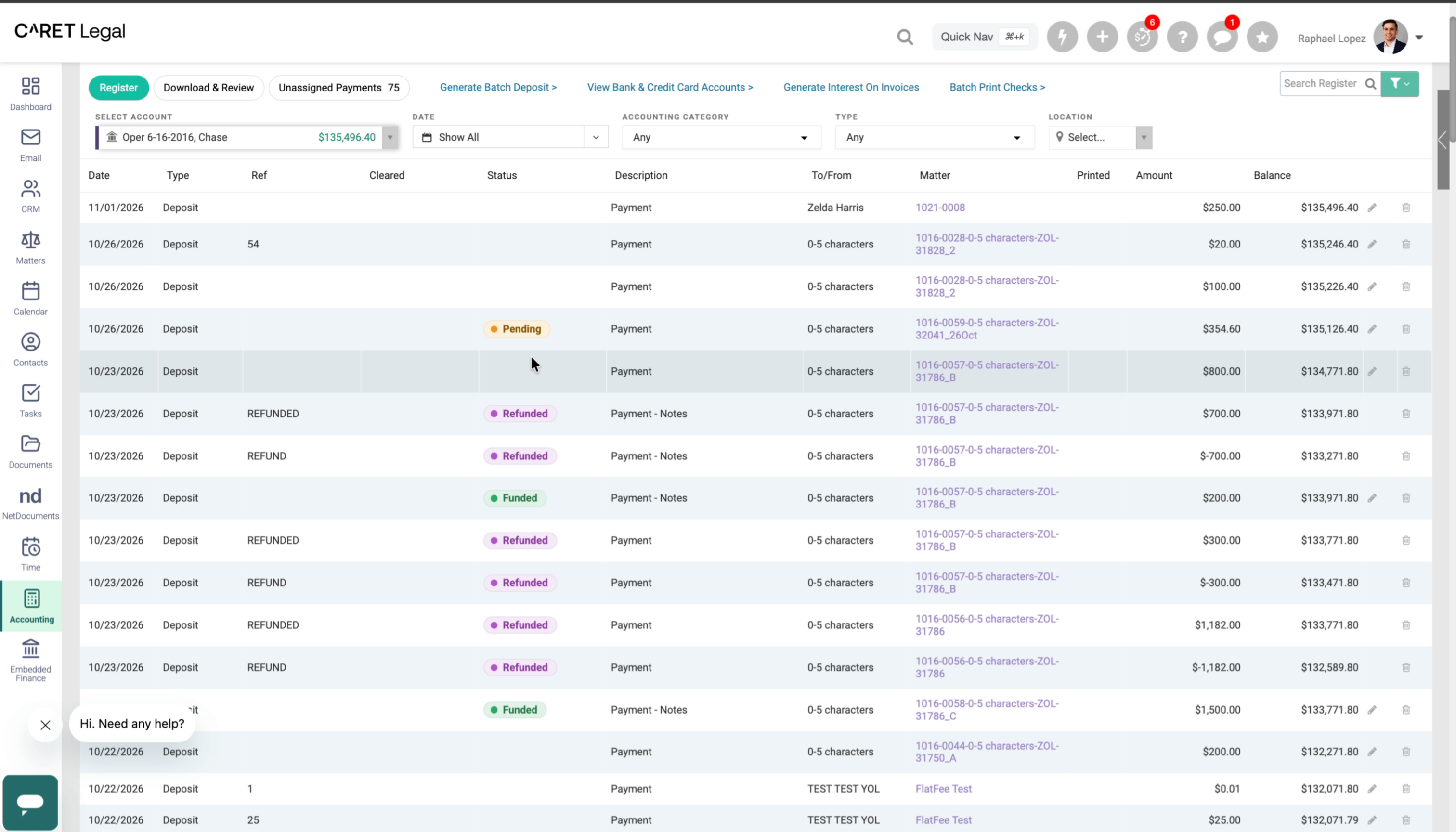
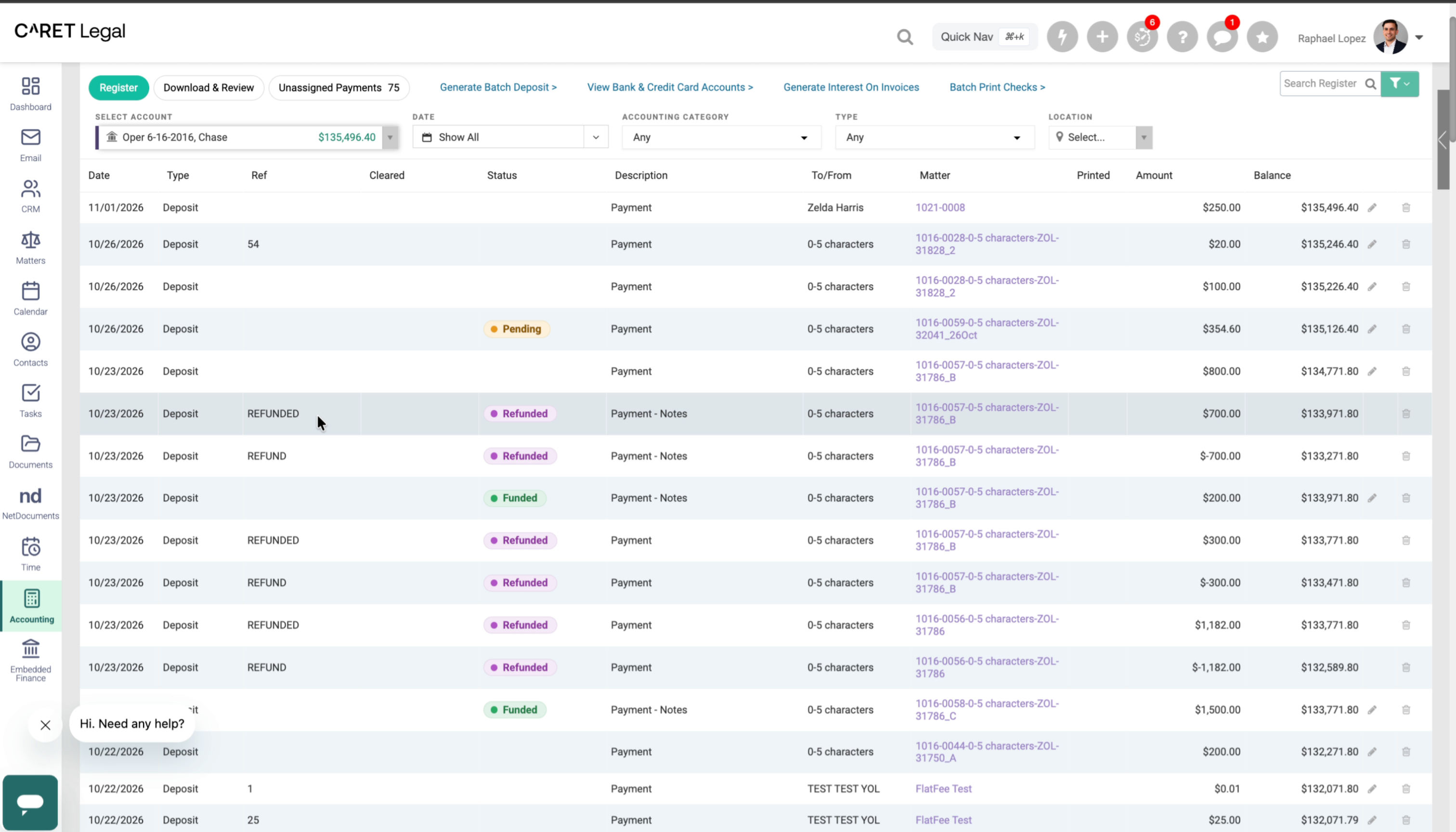
Refunded payments are marked with a status too. The register reference already shows the refund, and the status gives you a clear visual cue at a glance.
12. Funded Status and Payout Details
Where this feature really shines is the Funded status. Here's an October 23rd payment of $200 that has been funded. Hover over the status chip to see that it was disbursed on the 24th, along with the gross amount and the processor fee. The processor fee is labeled as estimated until the final fee is confirmed. You'll also see the net amount deposited, so you can tell at a glance how this payment contributed to the total disbursement on October 24th.
13. Payment Status on the Invoice Page
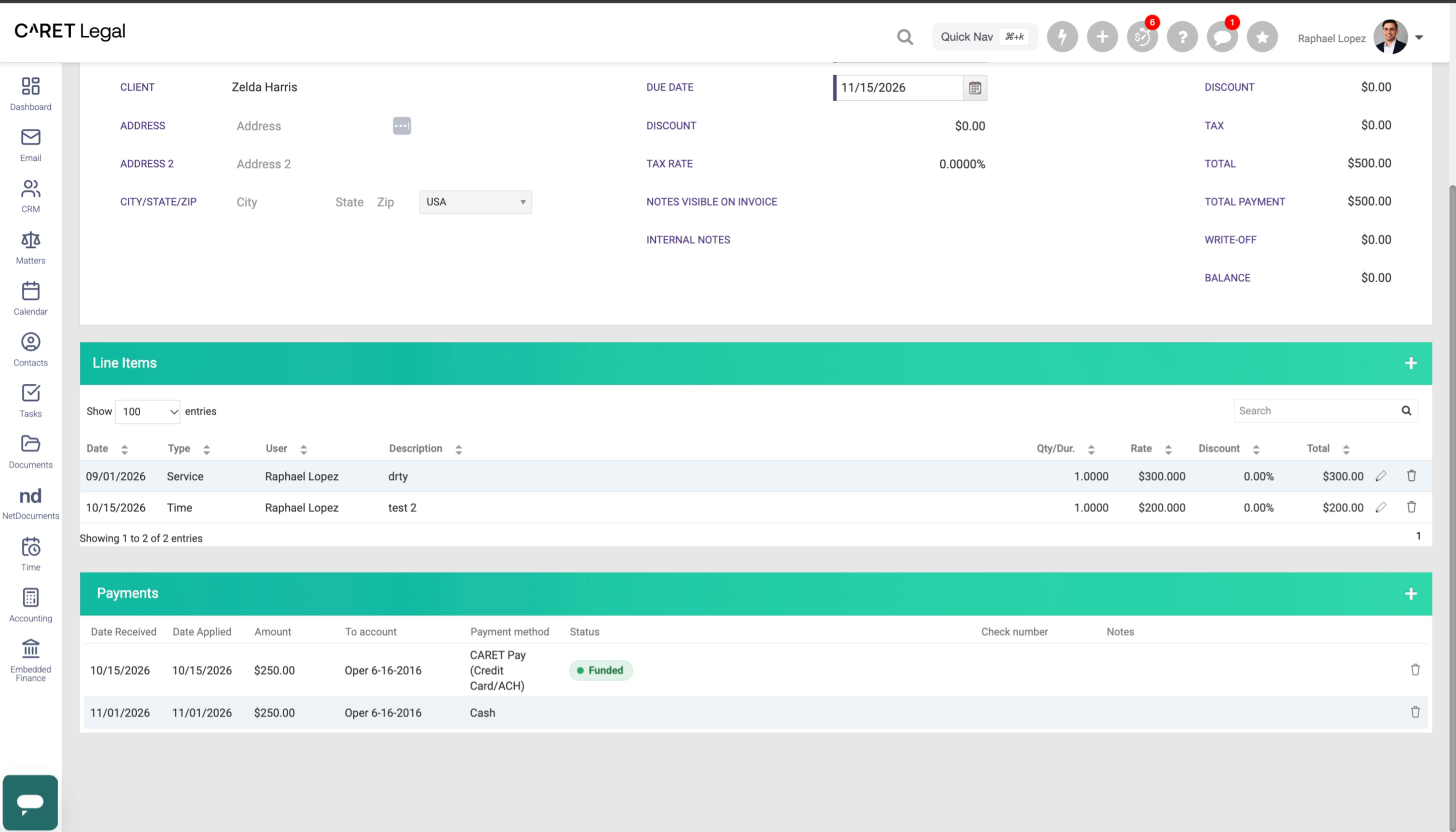
The same status details are also available on the invoice page. Before, you could see that a client authorized a payment, but not whether the funds had been received. Now, while reviewing an invoice and its payment history, you can see exactly where each CARET Pay transaction stands. Statuses appear only for CARET Pay transactions. In this example, one payment was made in cash, and the remaining balance was processed through CARET Pay.
14. Bank Reconciliation Page
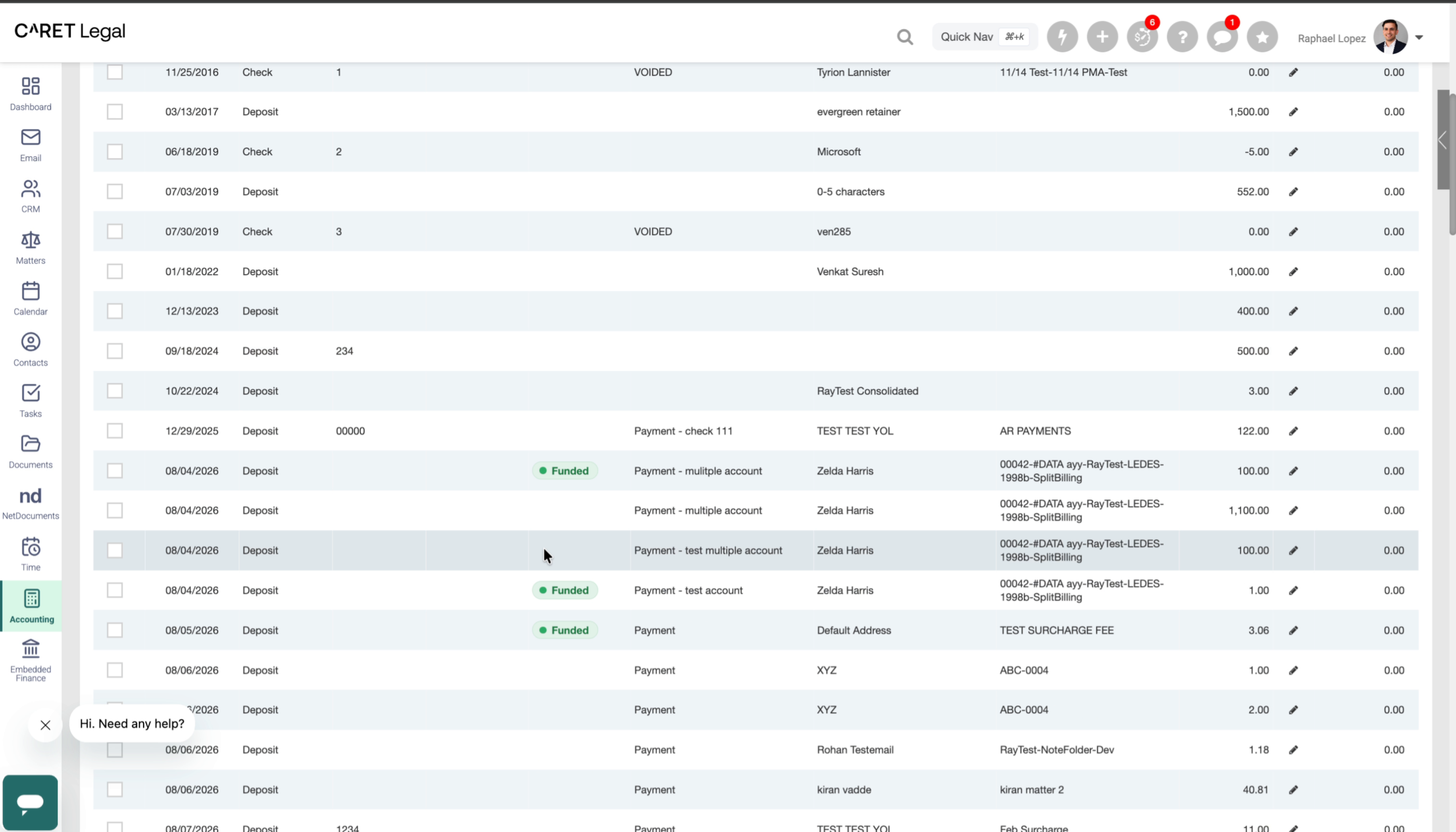
Finally, and perhaps most importantly, let's look at the bank reconciliation page. Reconciling often means keeping the merchant disbursement report open on one screen,
15. Matching Payments to Your Bank Statement
your bank statement on another, and CARET Legal on a third, so you can work backward from a lump-sum deposit to the payments that make it up, and then mark them as reconciled. Now, the status tooltip shows the date each funded payment was funded, so you can easily match it to your bank statement.
16. Coming Soon: Payments Grouped by Payout
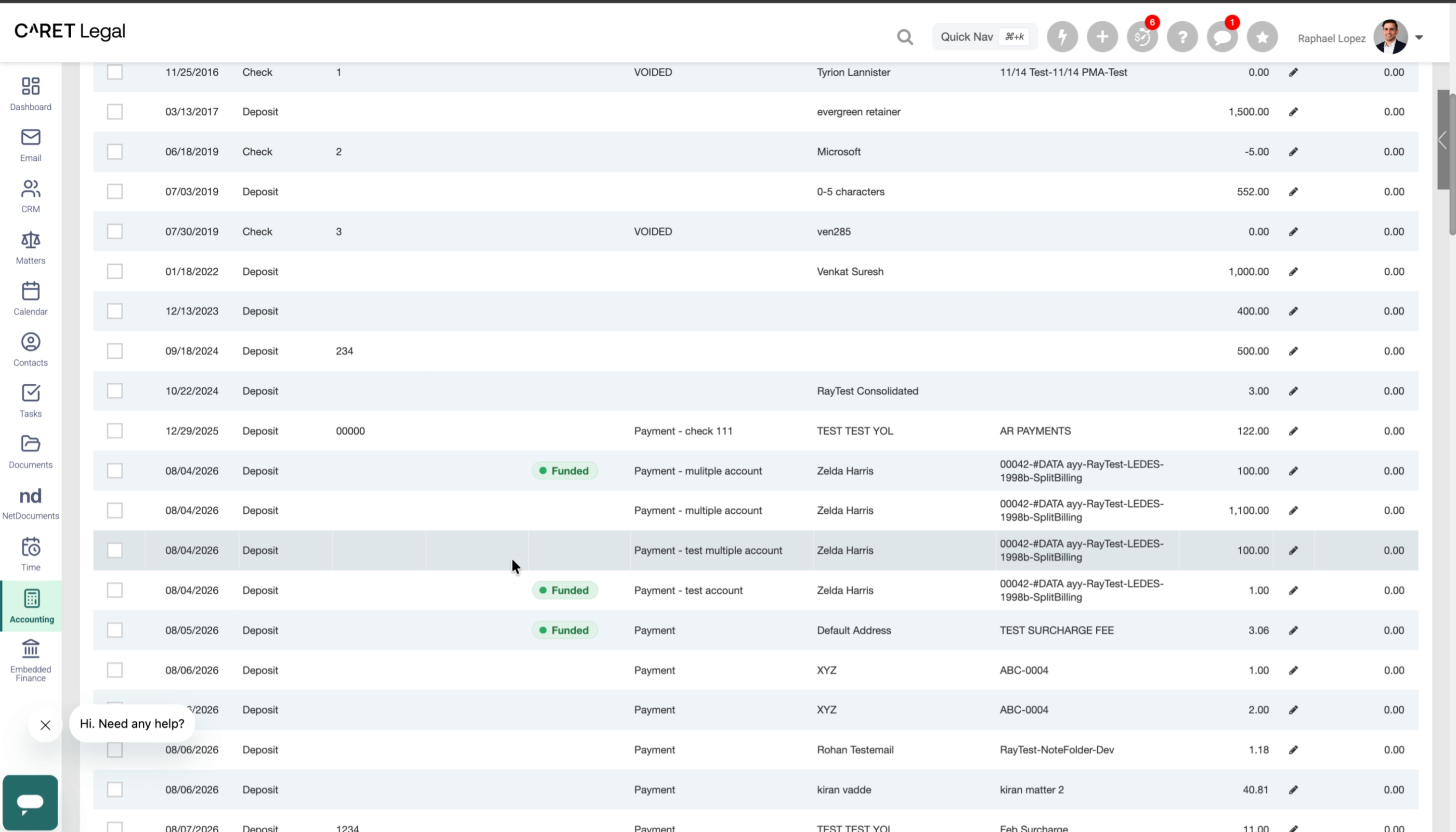
Looking ahead, we plan to build on this by grouping payments by payout. This foundation will allow the lump-sum deposit on your bank statement to be identified for you in CARET Legal.
17. Goal: One-Click Reconciliation
Our goal is to make reconciliation as simple as a single click. The full payout amount will match your bank statement, so there's no need to work backward from a lump sum.
18. Key Benefits
With these updates, you can track everything related to CARET Pay without leaving CARET Legal. CARET Legal stays your system of record, with fewer clicks and less time spent moving between systems. It's a clean, single experience. And it sets the stage for even simpler reconciliation in the future.
19. Available With CARET Pay
These payout details are available for payments processed through CARET Pay.
20. Get More From CARET Pay
Payments processed through other providers won't show this status in CARET Legal, so you'd still need to check other systems. The more payments you process through CARET Pay, the easier your reconciliation becomes.
21. Simplifying Back Office Work
It's all about getting more value from CARET Pay and simplifying day-to-day work for your back office team.
22. Questions and Feedback
Have questions or feedback? We'd love to hear from you. Reach out to us anytime.
23. Thank You
Thanks for watching!
The video showcases updates that provide clear payout statuses, integrate payment details across key pages, and simplify bank reconciliation for CARET Legal users.