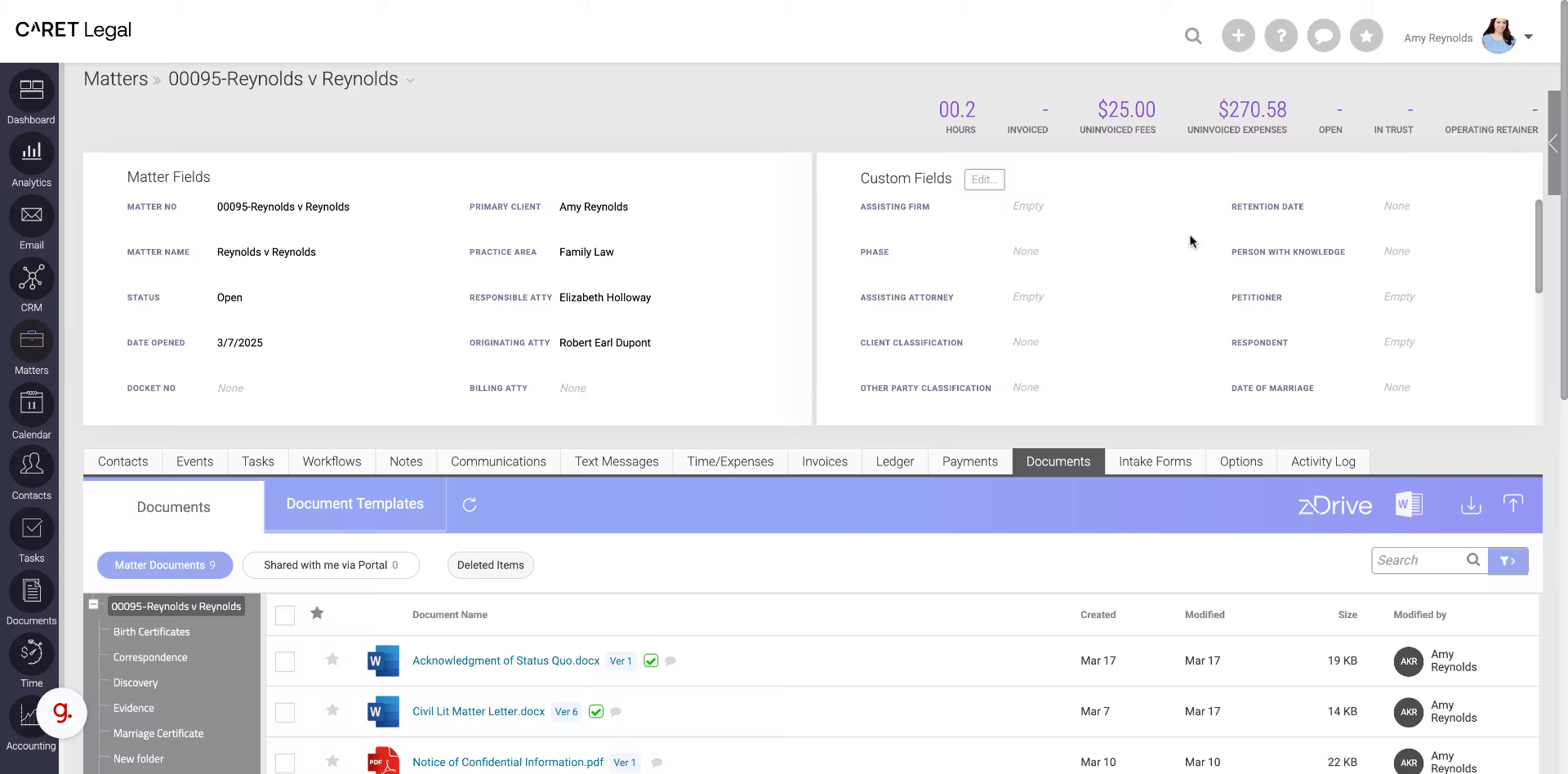
This guide will show you how to effortlessly share information to the Caseway portal using Caret legal.
Go to secure.zolasuite.com
1. Introduction
Follow these straightforward instructions to efficiently share data with your team and clients. This short video will demonstrate how to share a document with a client or other matter-related contact.
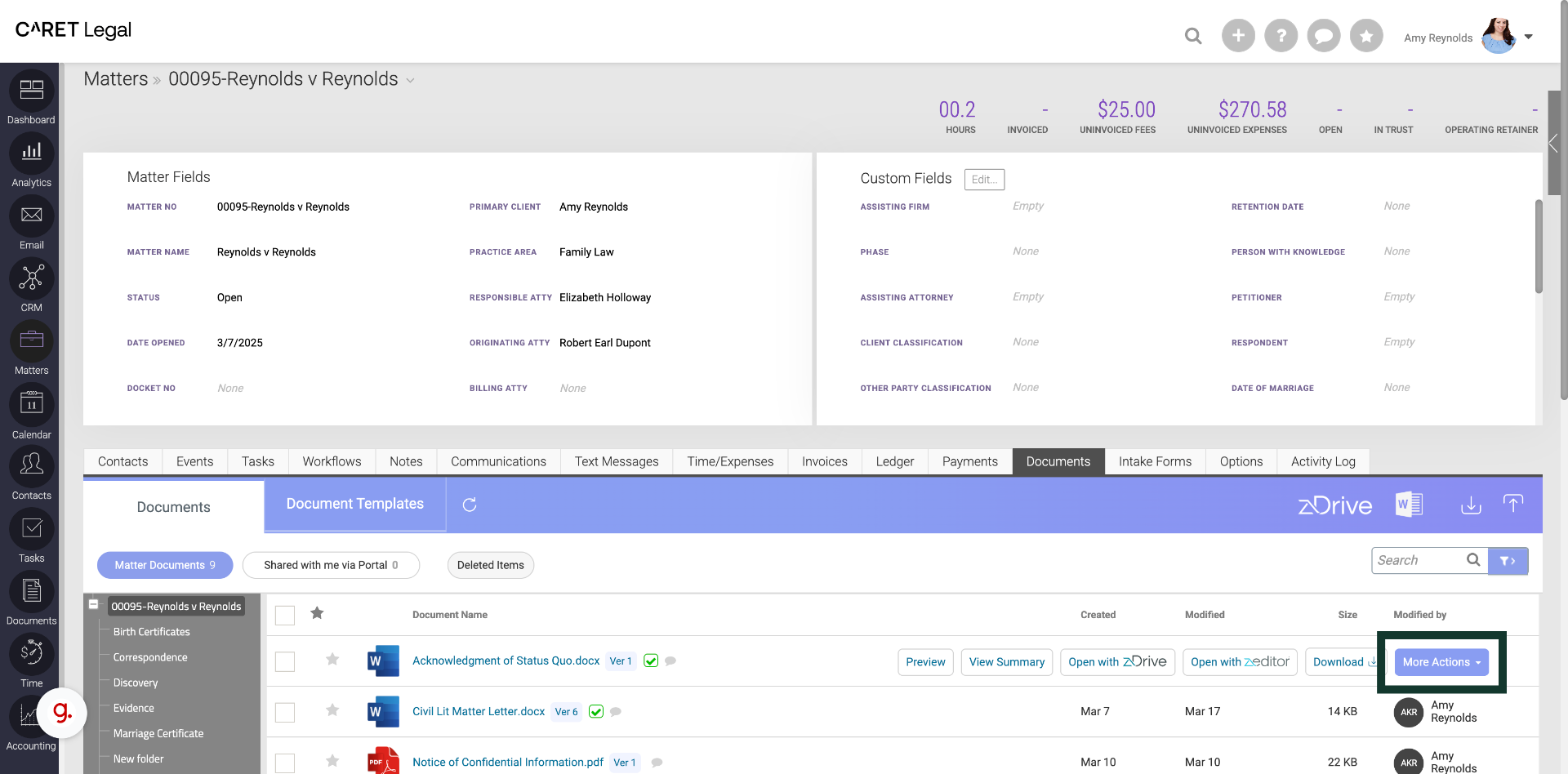
2. Click "More Actions"
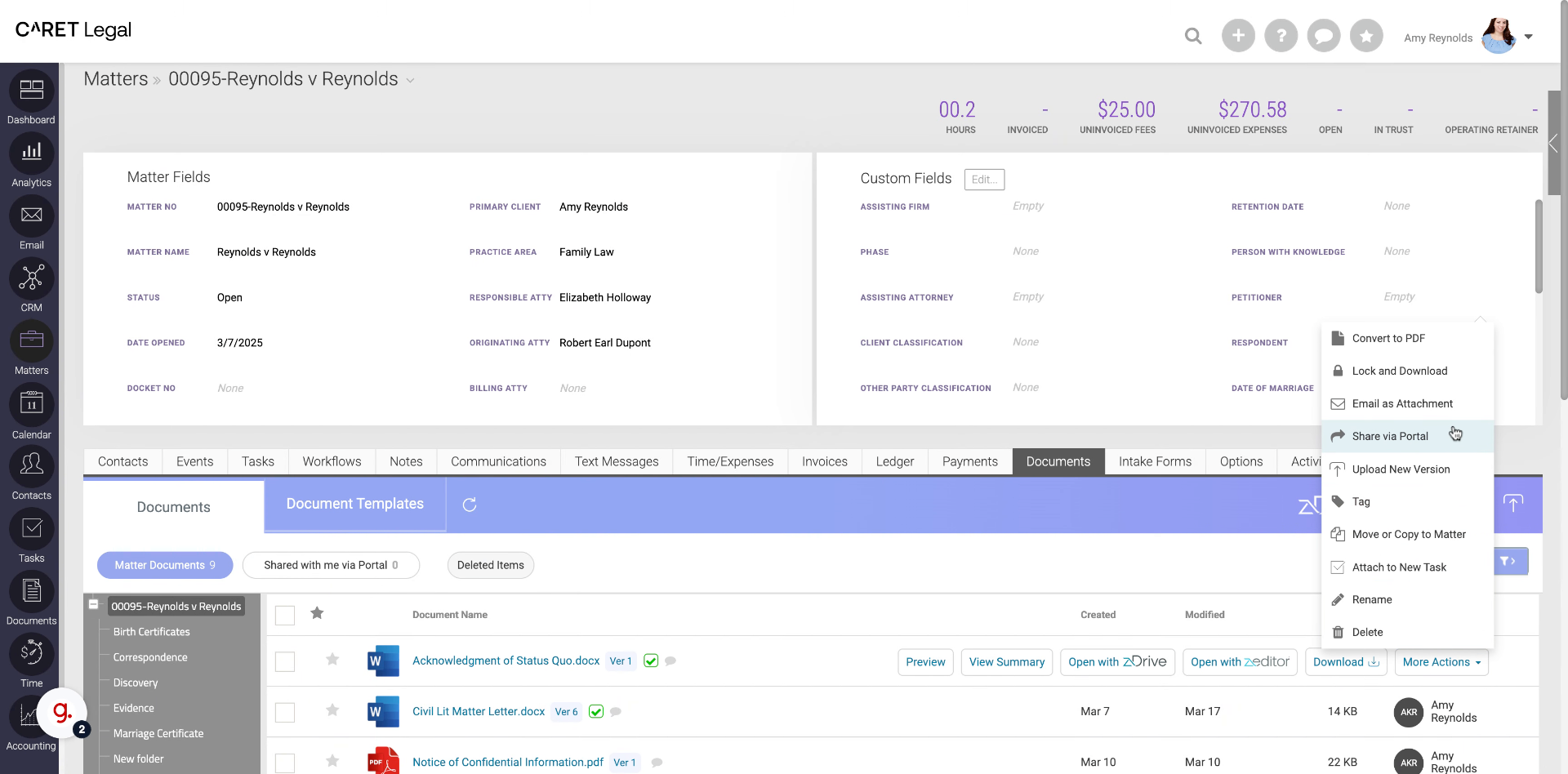
Go to any matter and locate the Documents tab. Once in the Documents tab access the More actions option.
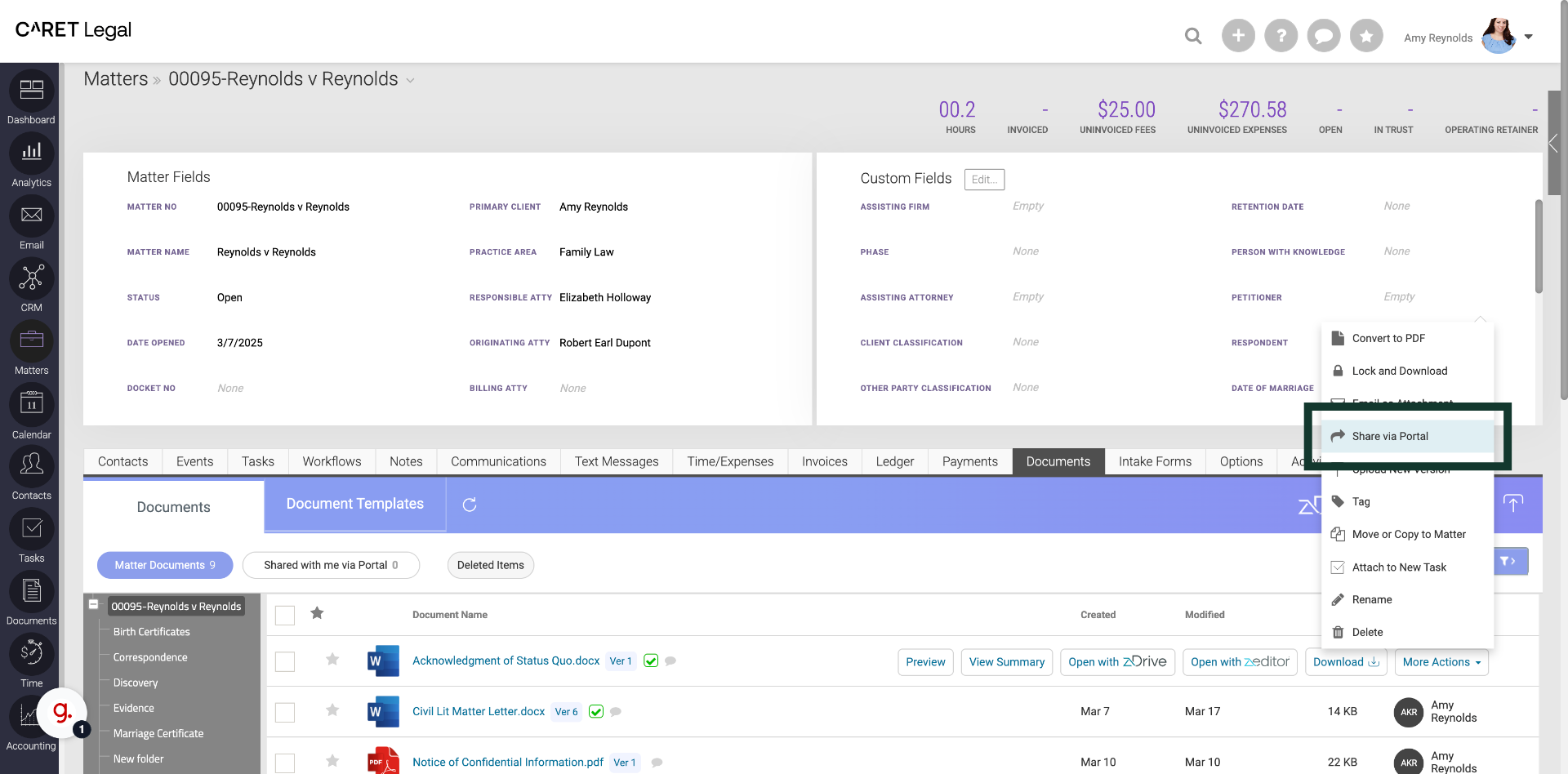
3. Click "Share via Portal"
Select the Share via portal function.
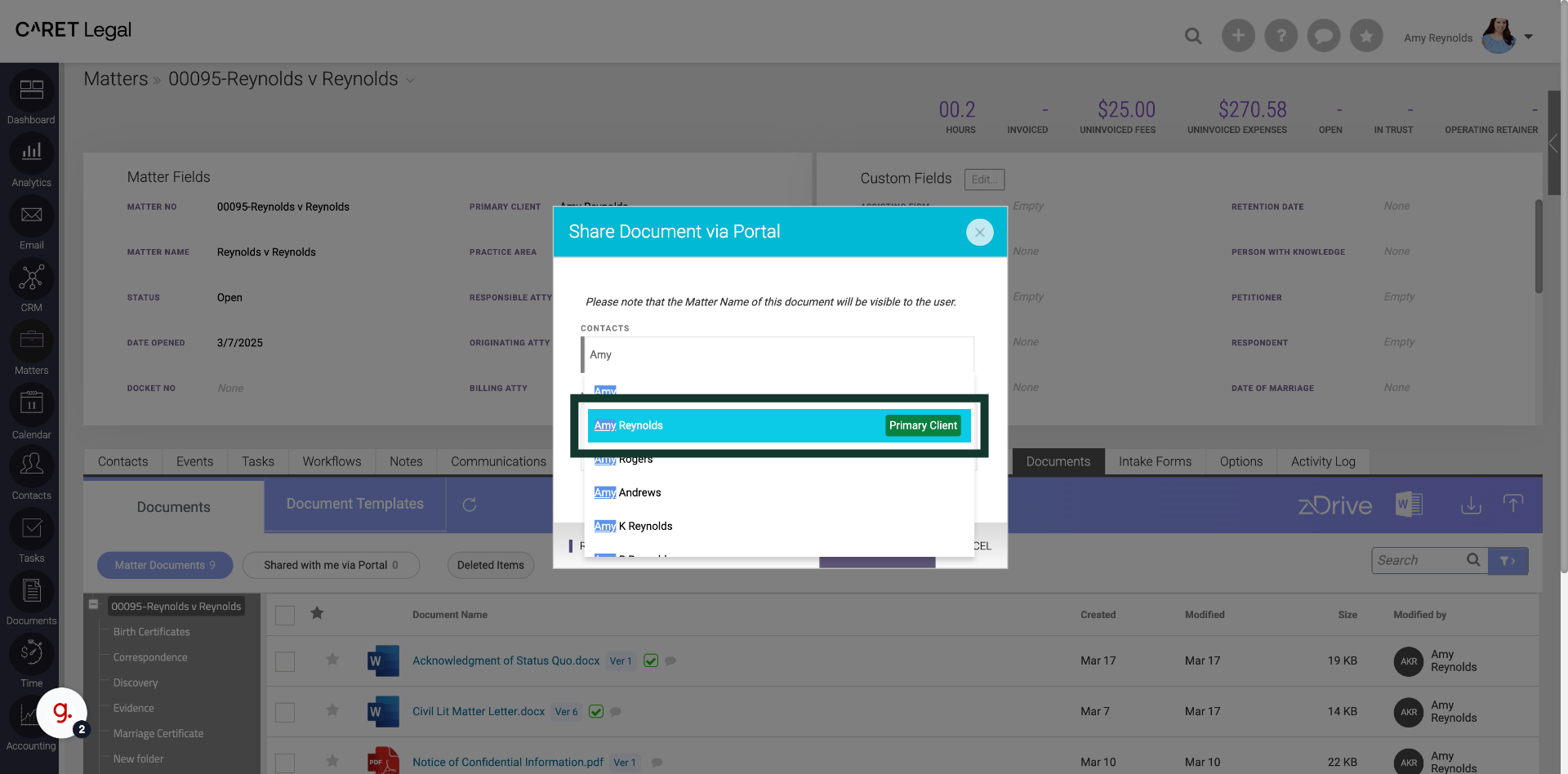
4. Fill in the name of the recipient
Fill in the name of the recipient.
5. Click on recipients name(s)
Choose the recipient's name. If they are a matter-related contact, their role will appear next to the name. You can select more than one recipient.
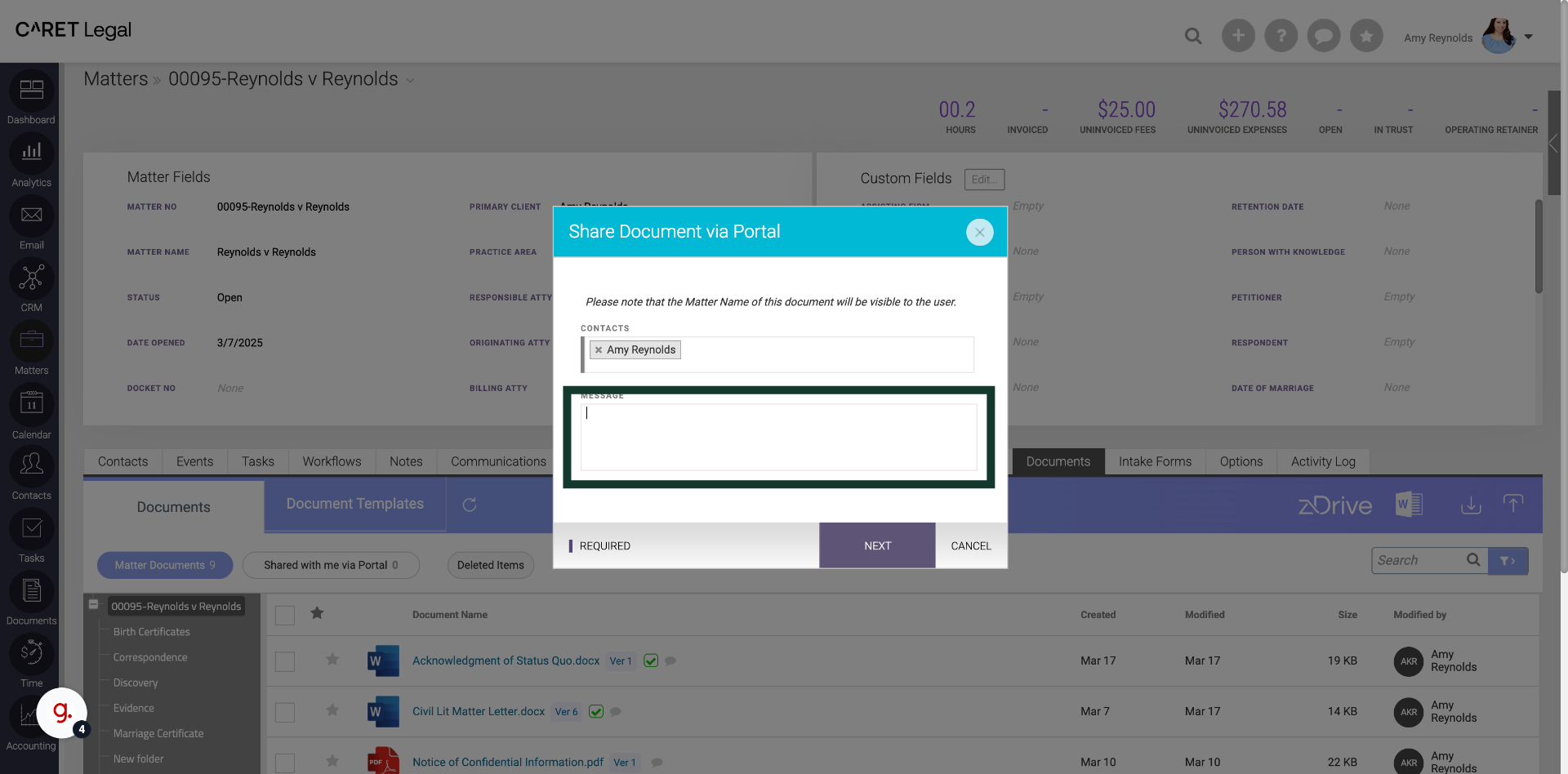
6. Click into the Message text box to add a custom message
Click into the message text box to add a custom message to the recipients. The same message will go to all recipients.
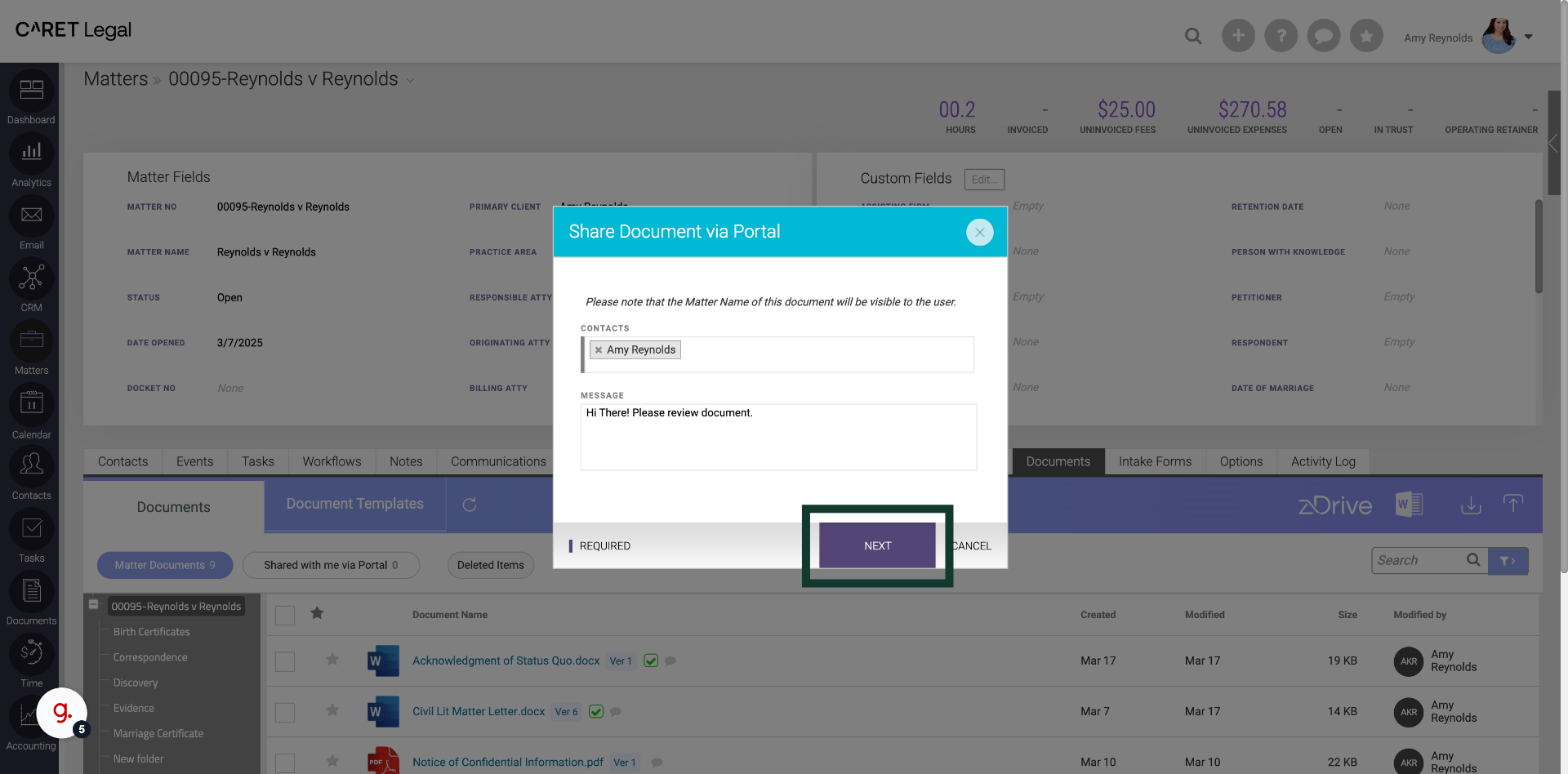
7. Fill "Hi There! Please review document."
Confirm your recipients and message.
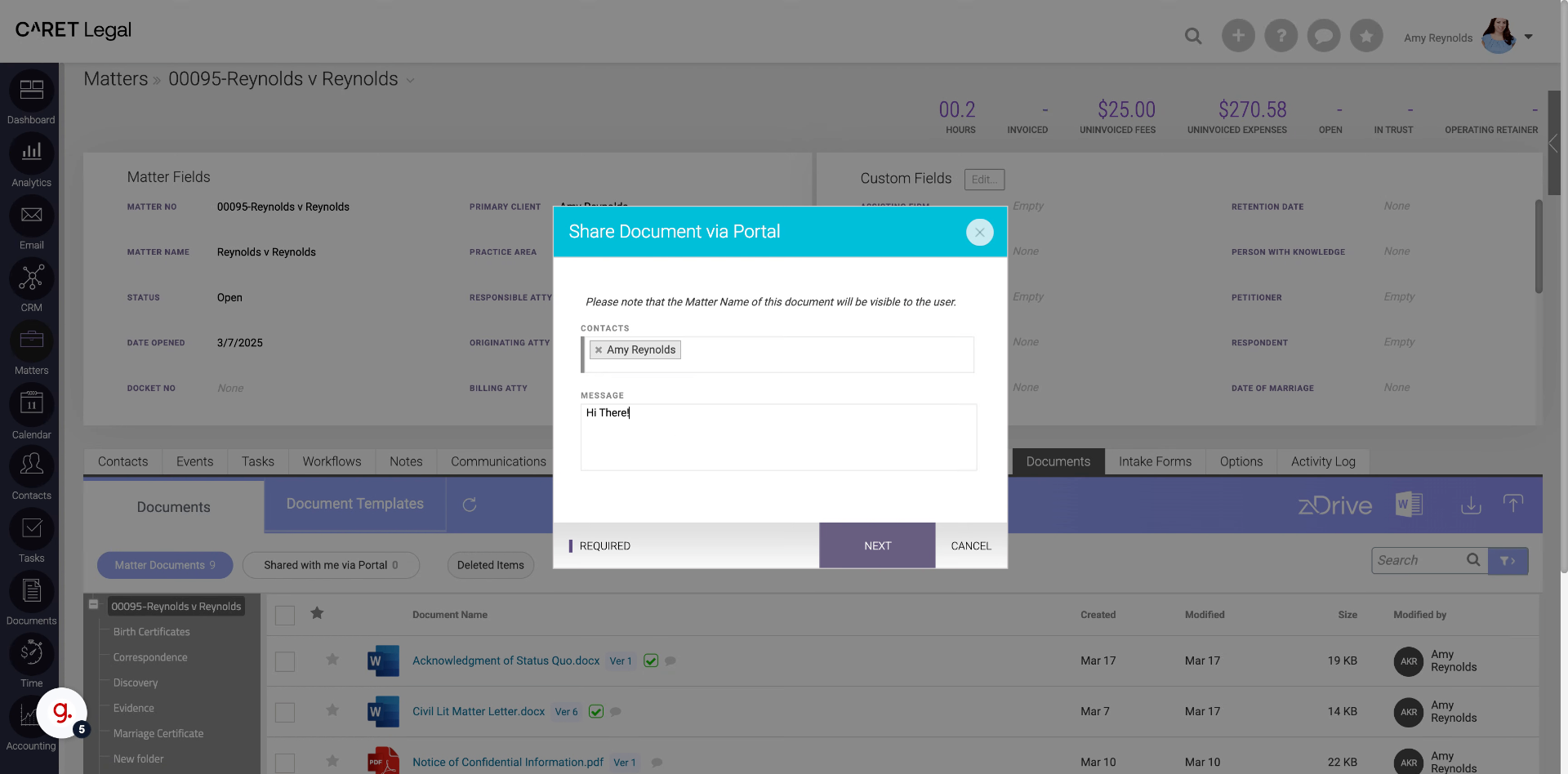
8. Click "Next"
Proceed by clicking on Next.
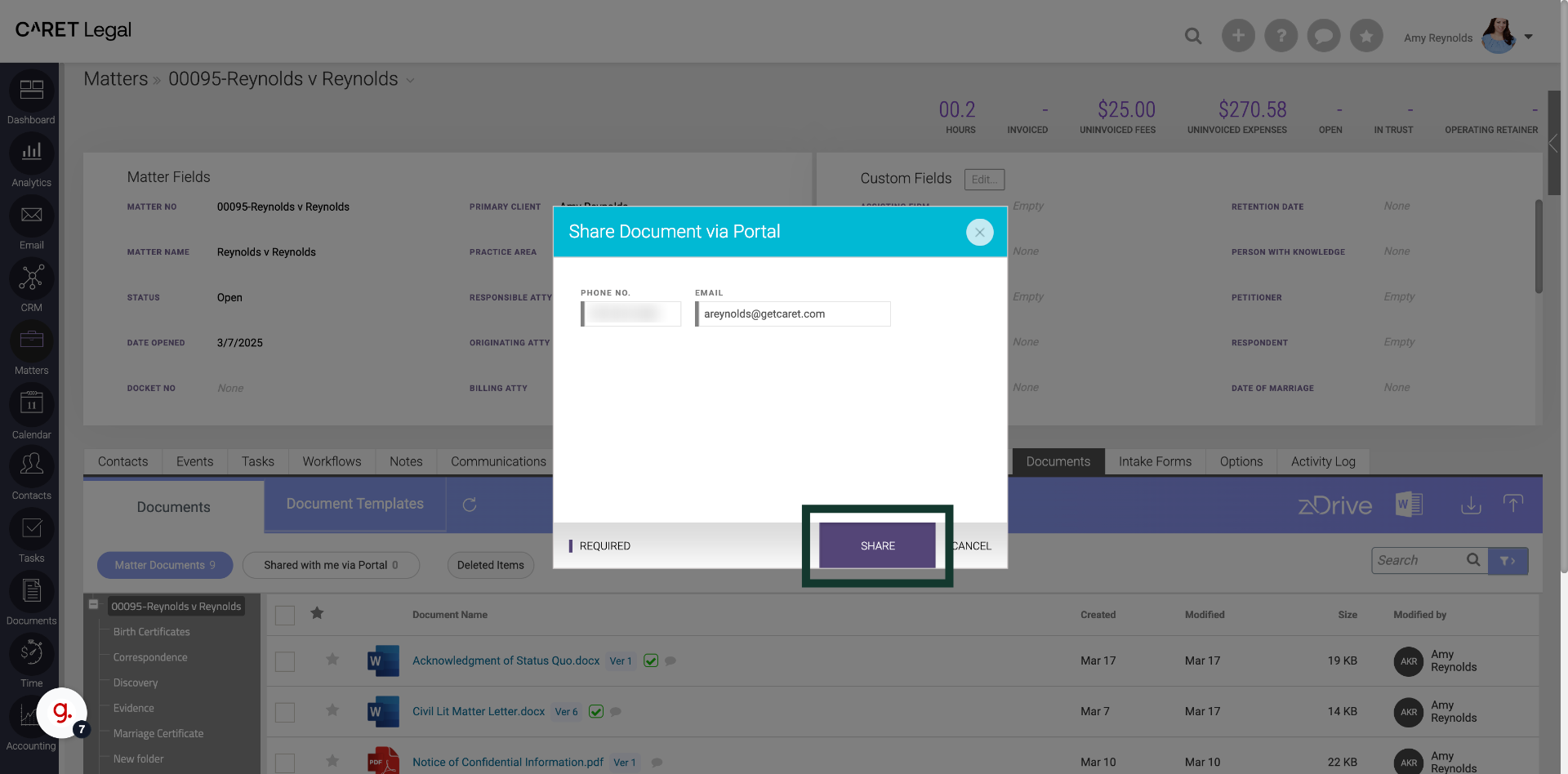
9. Click "Share"
Finalize by clicking on Share.